Call a list with the Power Dialer
Sign in to try itWhat it's for
The Power Dialer calls your prospects one by one, without dialing numbers yourself. Between two calls, you log the outcome and the next one starts.
Before you start
- A list whose prospects have a phone number. Find emails and phone numbers for a list
- A microphone: the browser asks for access when the session starts.
Steps
Open Power Dialer and choose the Call source: Prospect list or Sequence.
Select the list in Prospect list to call. The number of prospects ready to dial is shown.
Click Start session. The first call goes out.
At the end of each call, choose the Call status (No answer, To follow up, Meeting booked…), fill in the Call notes, then click Validate and next.
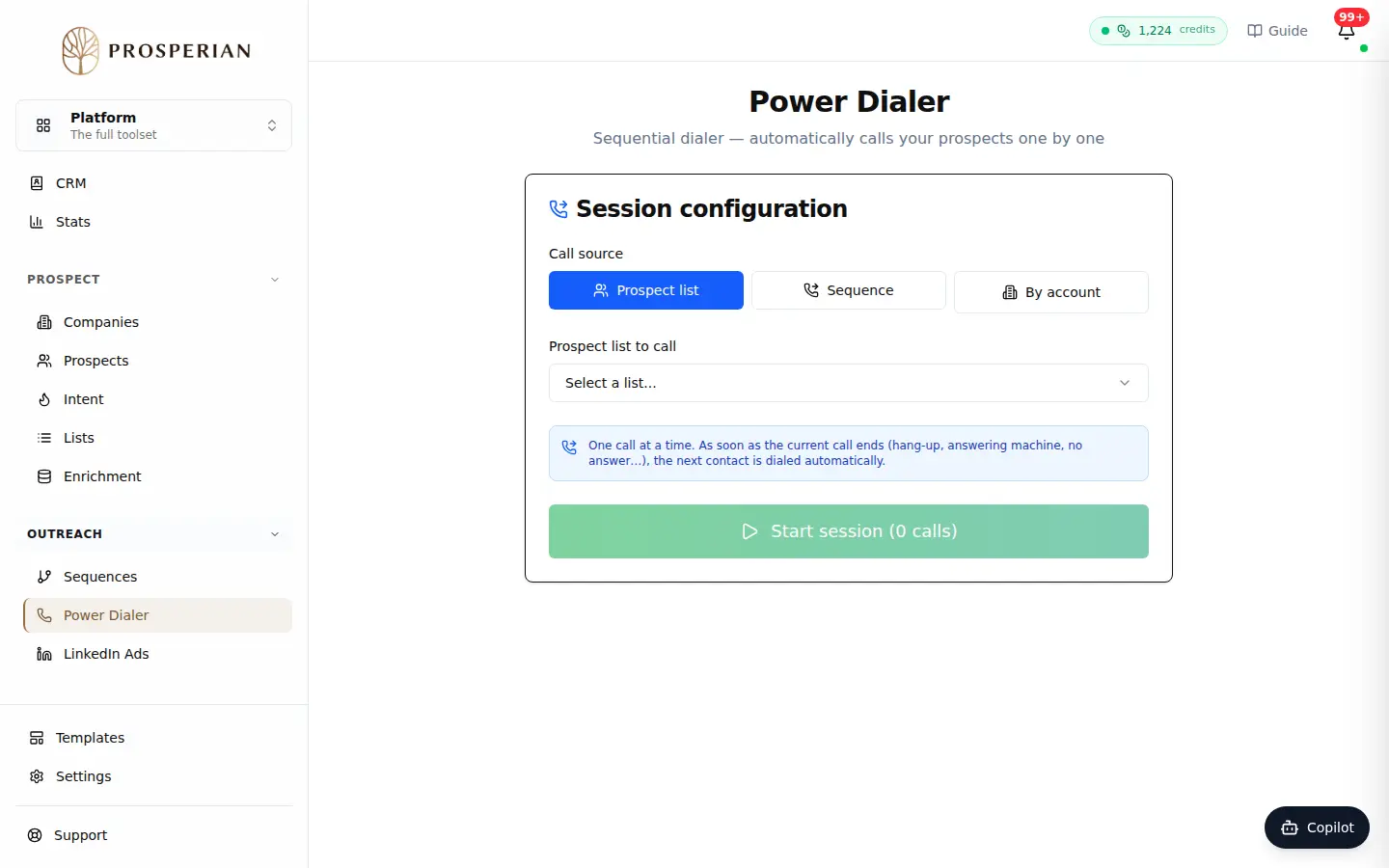
Open Power Dialer and choose the Call source: Prospect list or Sequence.
Step 1 of 4
Demo, no action on your account
Expected result
At the end of the session, the Session ended screen sums up your calls: answered, no answer, refusals and meetings booked. The statuses you entered feed your CRM and statistics.