Read your campaign statistics
Sign in to try itWhat it's for
Statistics show what your campaigns produce: conversion rates, meetings booked, calls, emails and LinkedIn activity, by person, by sequence and by list.
Before you start
- A launched sequence: figures appear from the first sends. Create and launch a multichannel sequence
Steps
Open Stats. The Performance, Report, Timing, Objections and Calls tabs break down your results.
Choose the Period, for example Last 30 days. It applies to all five tabs.
Click the Report tab.
Filter by Sequence, User (caller) or List, then choose the view: Summary, Call detail, Email detail, LinkedIn detail or All.
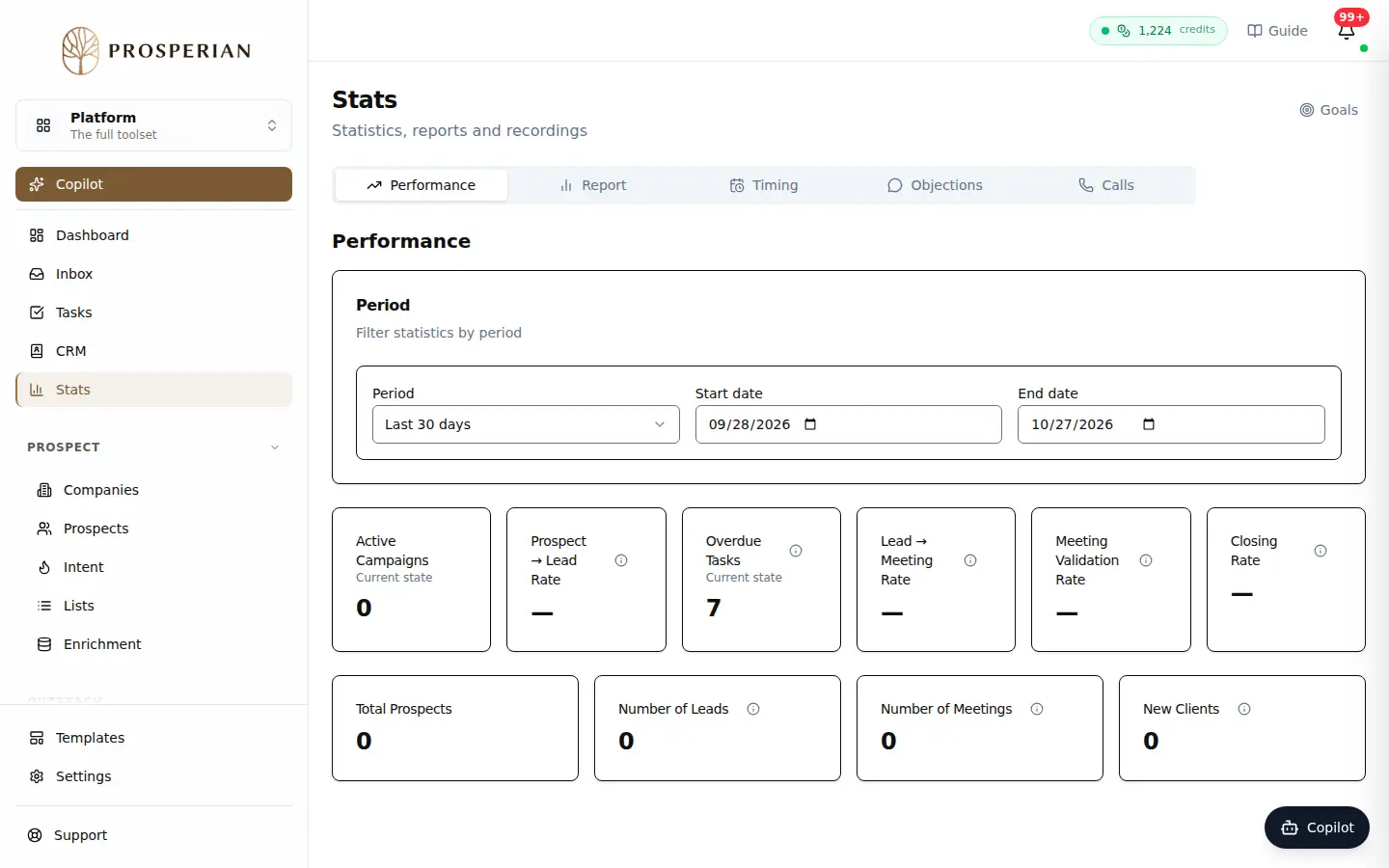
Open Stats. The Performance, Report, Timing, Objections and Calls tabs break down your results.
Expected result
Performance shows your rates, from prospect to customer. Report details tasks completed, meetings booked, calls, emails and LinkedIn activity. The Goals link, at the top right, leads to your monthly goals.