Pause the agent and take back control
Sign in to try itWhat it's for
You can stop a single agent campaign, all of its automated prospecting, or pause your agent. You then carry on yourself from the Platform.
Before you start
- To withdraw the automated prospecting authorisation, you need to be an administrator. Otherwise the switch shows "Restricted to organization administrators.": ask your administrator.
Steps
To stop a single campaign, open Sequences in the agent menu and click Pause on its row. Resume restarts it.
To stop all automated prospecting, open Agent settings and turn off I allow automated prospecting for my organization.
To pause your agent, use the Agent active switch in the Control card: it changes to Agent paused. Messages from the campaigns your agent wrote only stop with step 2.
To carry on yourself, click Open the Platform, then launch your own sequence on the same list.
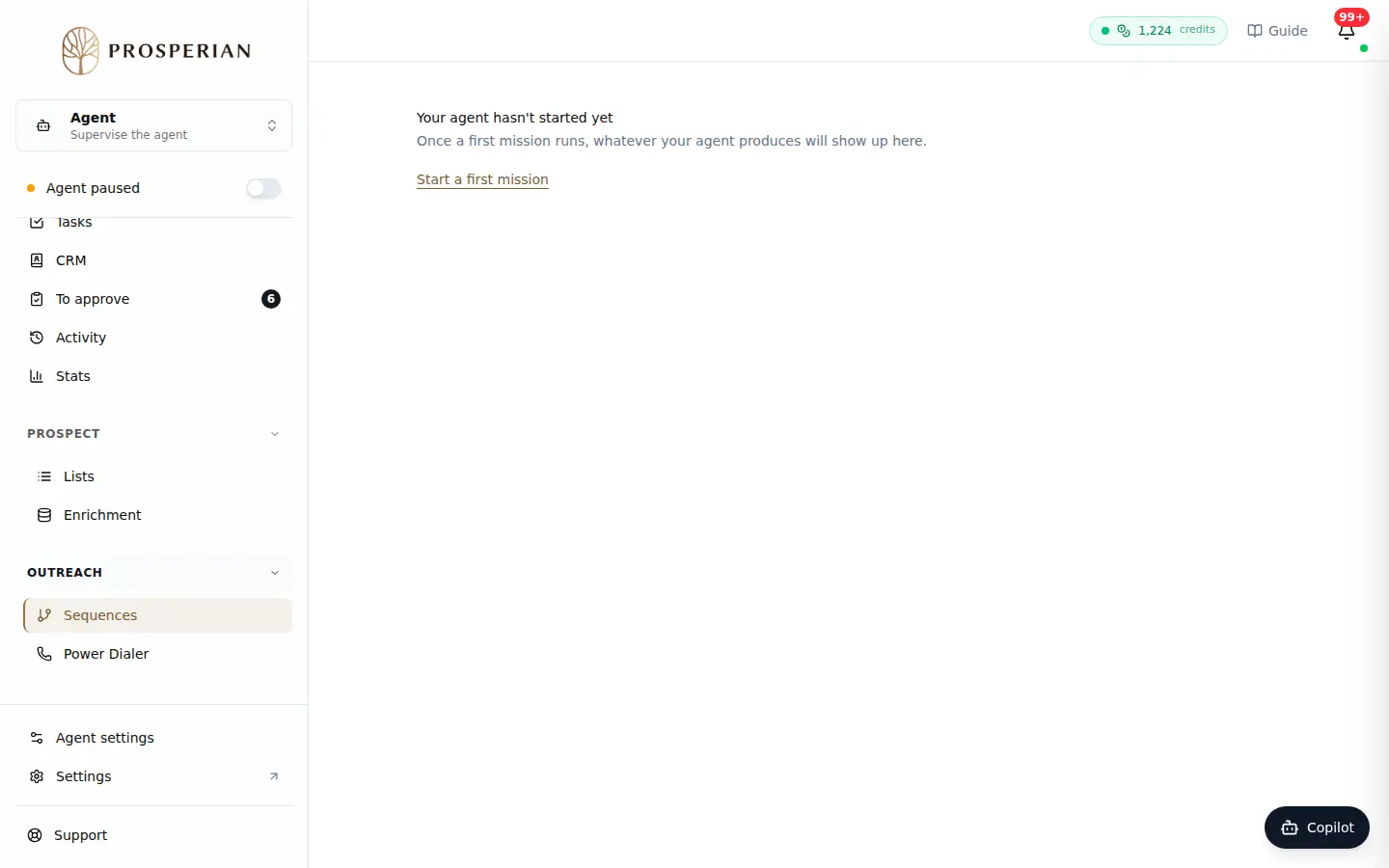
To stop a single campaign, open Sequences in the agent menu and click Pause on its row. Resume restarts it.
What gets sent and how to stop
- What stops when you turn off the authorisation: automatic search for new prospects, campaign creation by your agent, and messages from the campaigns your agent wrote, including those already scheduled.
- What carries on: your assistant remains available. Campaigns you wrote and launched yourself are not affected. Automatic replies are set separately.
- What you see: Stop requested (the agent stops within the hour at the latest), then Stop confirmed. If the stop is not verified after two hours, you see Stop being verified: contact support.
- To restart the agent: turn the authorisation back on and set the switch back to Agent active.
Expected result
The agent no longer sends anything on your organization's behalf, and your prospects stay in your lists and CRM to be followed up by hand.