Track your agent's prospects in the CRM
Sign in to try itWhat it's for
The CRM in the Agent space shows the prospects your agent found and contacted, from the first message to the meeting.
Before you start
- A launched agent campaign: until the agent has contacted anyone, the screen stays empty. Review and launch the agent's campaigns
Steps
In the agent menu, open CRM.
Pick a tab: Prospects (waiting for a first contact), Contacted, Leads (positive reply) or Appointments. The number in brackets counts the contacts at each stage.
Click a row to open the prospect's record and read the exchanges.
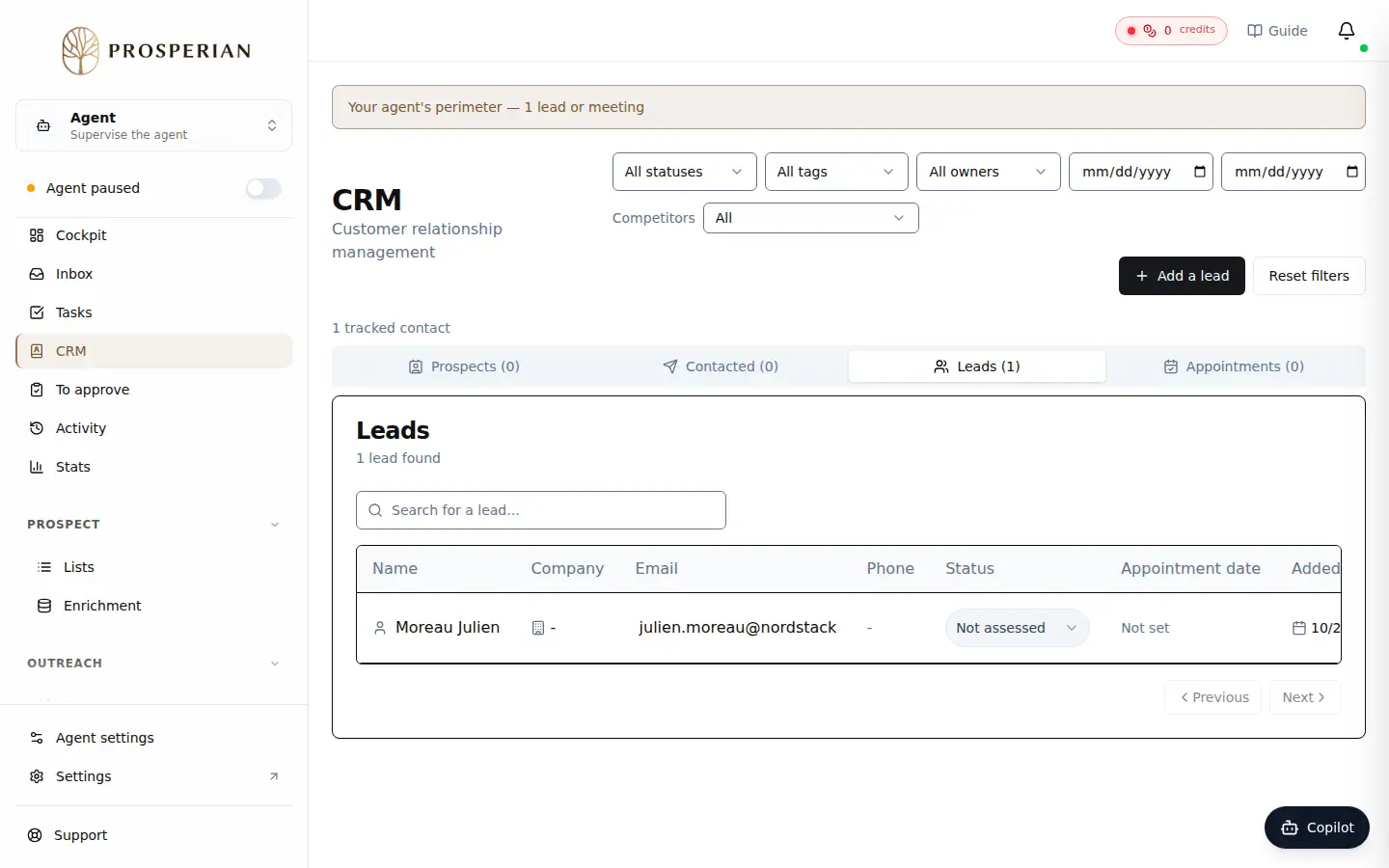
In the agent menu, open CRM.
Step 1 of 3
Demo, no action on your account
Expected result
You see where each of your agent's prospects stands, and you know who to follow up with or call.