Manage and prepare your meetings
Sign in to try itWhat it's for
The Meetings section of the Agent space gathers your booking page and two analyses that prepare each meeting: the pre-meeting information and the prospect's DISC profile.
Before you start
- A connected calendar: without one, the Booking screen shows an alert offering to connect it.
- For the two analyses, at least one prospect with a meeting.
Steps
In the Meetings section of the menu, open Booking. The Meeting types tab lists your meeting types.
Click the Availability tab to set the time slots offered to your prospects.
Click the Bookings tab to see the booked meetings.
Open Sales assistant and click Analyze new prospects. Select a meeting, then click Start analysis to prepare its pre-meeting information.
Open Profiling and click Analyze new prospects to get the DISC profile of a prospect with a meeting.
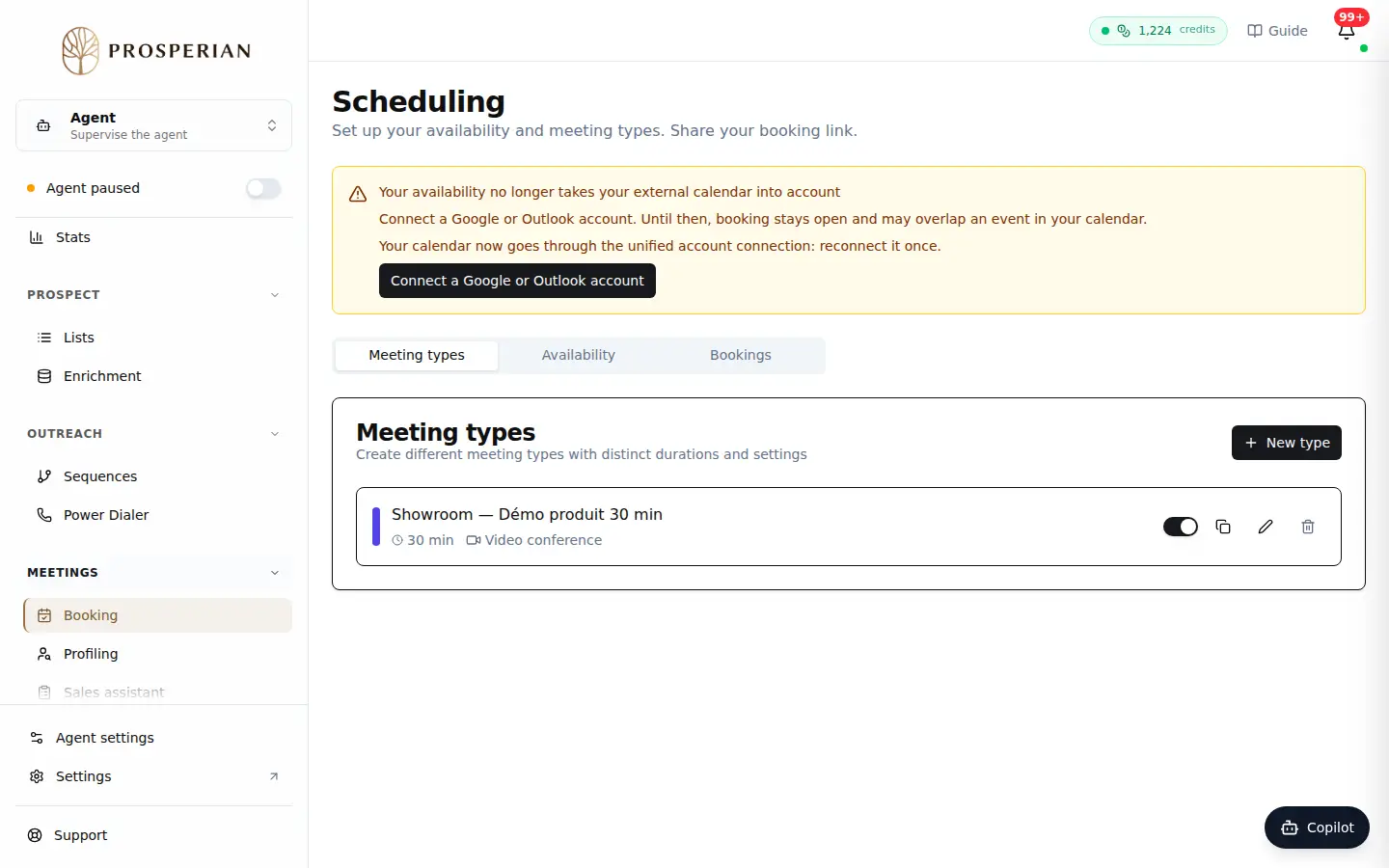
In the Meetings section of the menu, open Booking. The Meeting types tab lists your meeting types.
Expected result
Your prospects book on your time slots, and each analysis shows on its page a few minutes after it starts.