Create email templates and call scripts
Sign in to try itWhat it's for
A template saves you from rewriting the same email or script for every task. Variables insert the prospect's first name, company or your booking link.
Before you start
- Nothing in particular: templates can be created before any campaign.
Steps
Open Templates and choose the Email templates or Call scripts tab.
Click Add.
Fill in the Name, the Subject for an email, then the Content. Click Variables to insert a variable where the cursor is.
Check the Preview: sample prospect, then click Create.
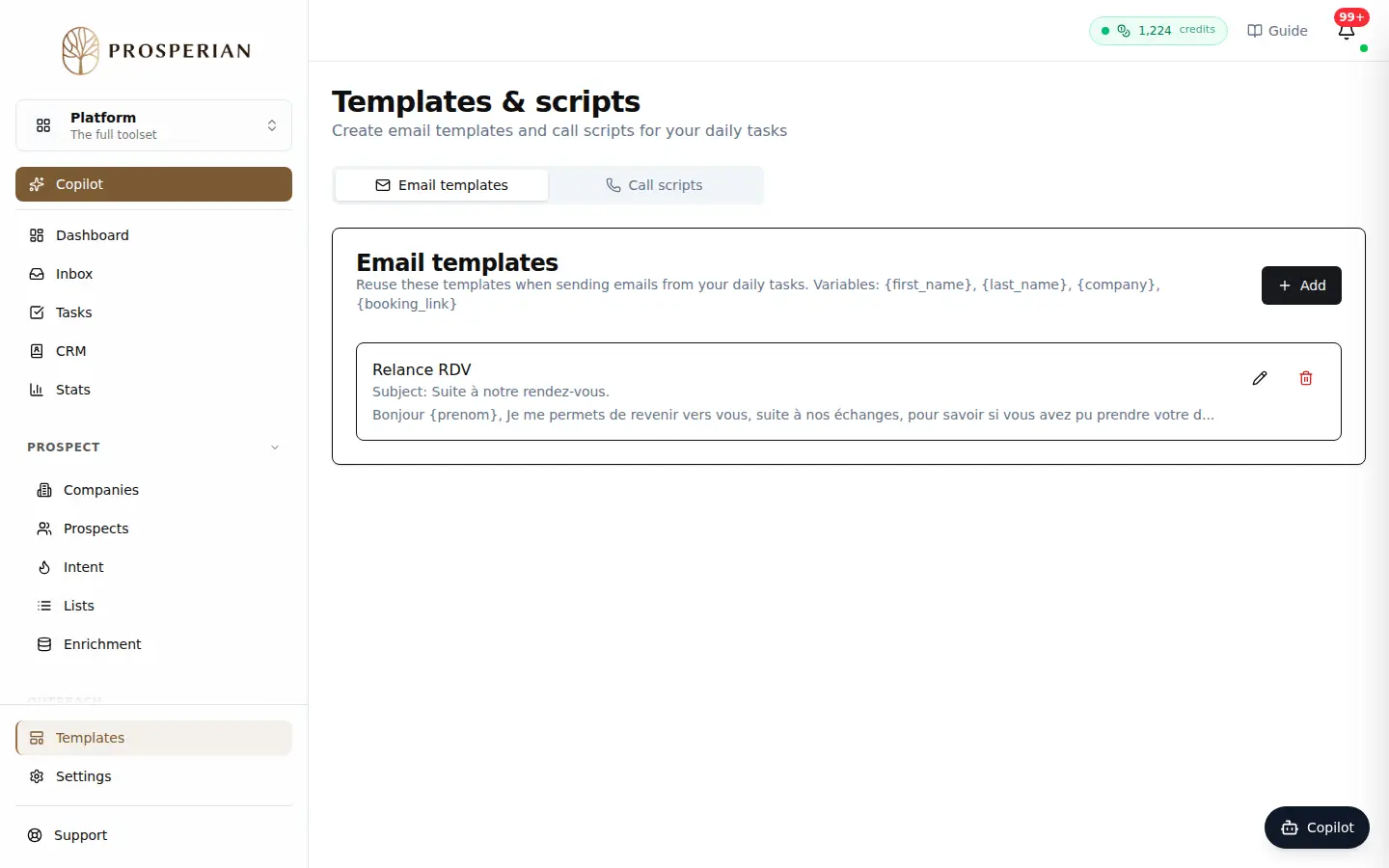
Open Templates and choose the Email templates or Call scripts tab.
Step 1 of 4
Demo, no action on your account
Expected result
The template shows up in its tab. You find it when you send an email or make a call from your tasks.