Connect your mailbox and LinkedIn
Sign in to try itWhat it's for
Your messages go out from your own accounts: your mailbox and your LinkedIn profile. Until an account is connected, neither your sequences nor the agent can send, and replies do not reach the Inbox.
Before you start
- Everyone connects their own accounts; it is not reserved for administrators.
- Have your mailbox and LinkedIn credentials at hand. Open Connected accounts
Steps
Open Settings ▸ Connected accounts and go to the Send and receive emails section.
Under OAuth connection (recommended), choose your email provider and grant access in the window that opens.
In the LinkedIn and phone section, connect your LinkedIn account the same way.
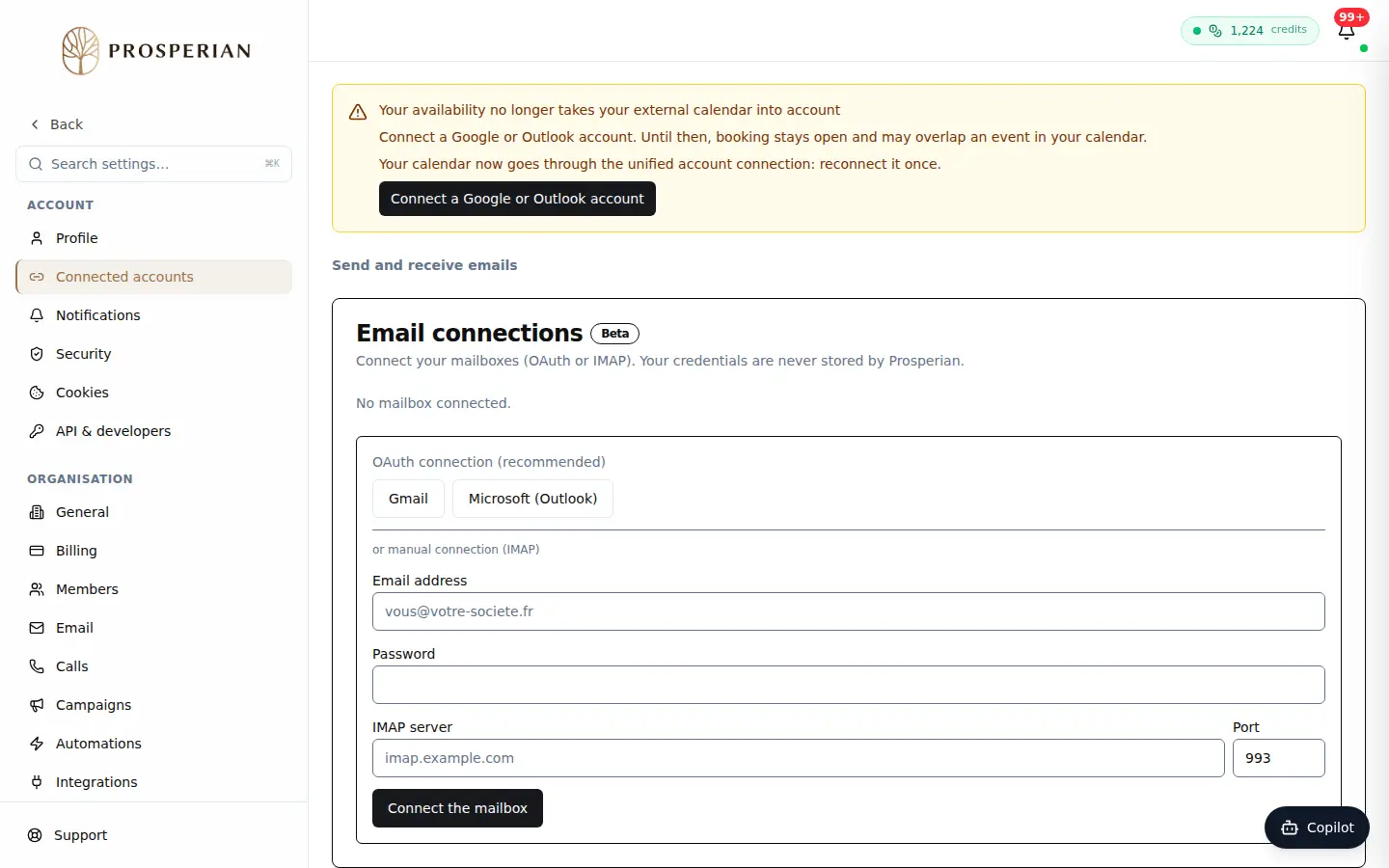
Open Settings ▸ Connected accounts and go to the Send and receive emails section.
Step 1 of 3
Demo, no action on your account
Expected result
Your accounts show as connected. Your sequences can use them as senders, and replies come back to the Inbox.