Switch from the Agent space to the Platform
What it's for
The Agent space is for supervising your agent; the Platform gives you the full toolset. You switch from one to the other in one click, without losing the screen you were on.
Before you start
- Be signed in to Prosperian: the workspace switcher sits at the top of the sidebar, on every screen.
Steps
At the top of the sidebar, click the workspace switcher, which shows Agent.
Choose Platform ("The full toolset").
To go back, open the same switcher again and choose Agent.
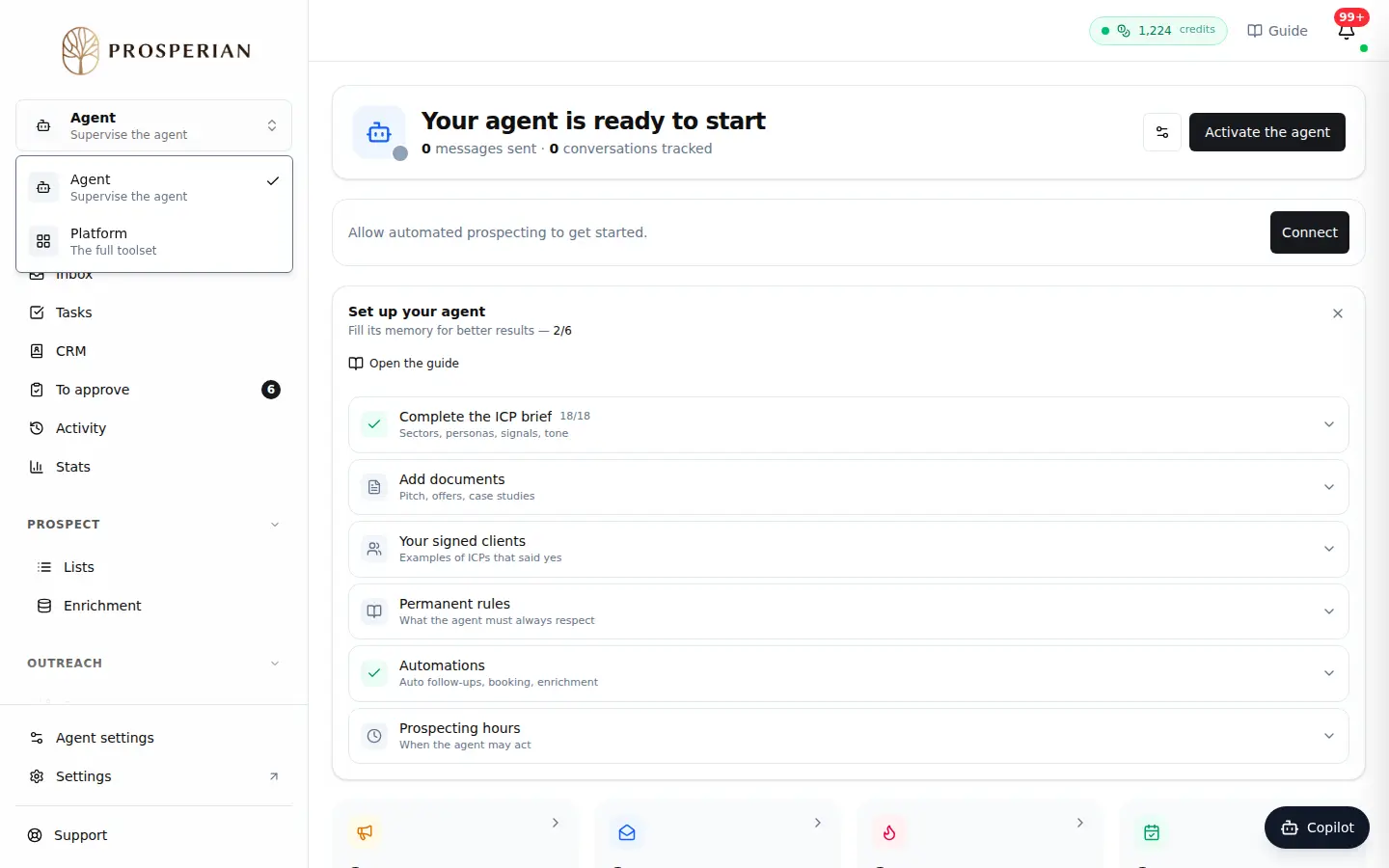
At the top of the sidebar, click the workspace switcher, which shows Agent.
Step 1 of 3
Demo, no action on your account
Expected result
The Platform opens on the matching screen: from the agent's CRM, you land on the CRM. Otherwise, you get back to the last screen you visited. If you come back without navigating, you return to the exact screen you left.