Set up your organization's details
Sign in to try itWhat it's for
Give your organization its name and domain, prepare domain name purchases, and choose the menu your members see.
Before you start
- Be an administrator: a user sees this information but cannot change it.
Steps
Open Settings ▸ General.
In Organization, fill in the Organization name and its Domain, then click Save.
In Domain registrant address, fill in the company, the contact and the address, then click Save. This information pre-fills the domain name purchase form.
In Members' menu, choose which sidebar tabs your members see. Admins always see everything.
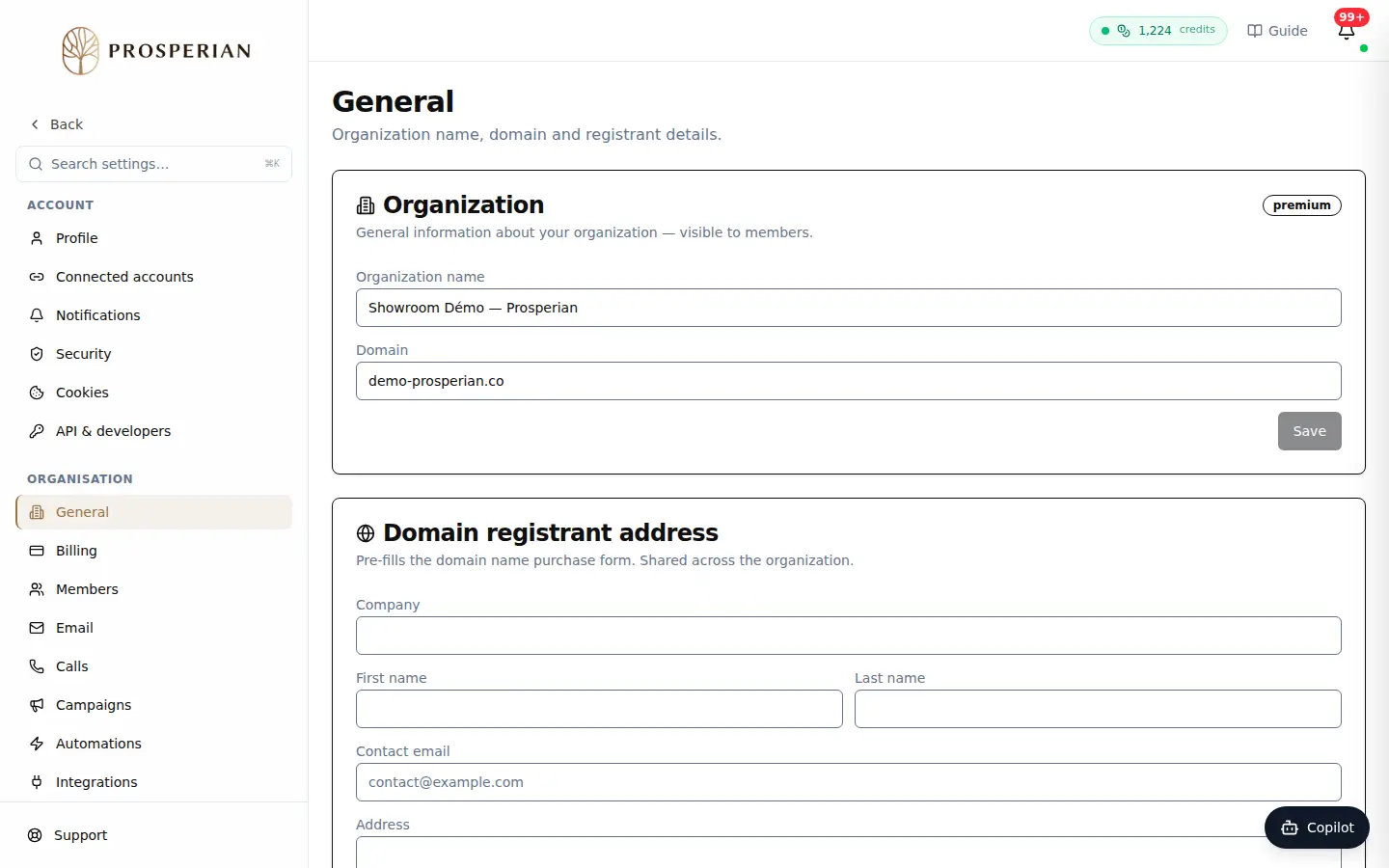
Open Settings ▸ General.
Step 1 of 4
Demo, no action on your account
Expected result
The organization name is up to date for every member, and your next domain purchases start from an address already filled in. The members' menu changes their shortcuts, not their permissions: to remove a feature from a member, use their Permissions.