Set monthly goals
Sign in to try itWhat it's for
Set, month by month, the leads, meetings, clients and revenue goals of the organization and of each member, then compare them with the actuals.
Before you start
- Be an administrator to set goals per member: a user sees their own without being able to change them.
Steps
Open Stats and click Goals.
Choose the month with the arrows on either side of its name.
On the Organization row or a member's row, click Set (or Edit). If the month is empty, click Set the organization's goal.
Enter the Leads, Meetings, Clients and Revenue goals, then click Save.
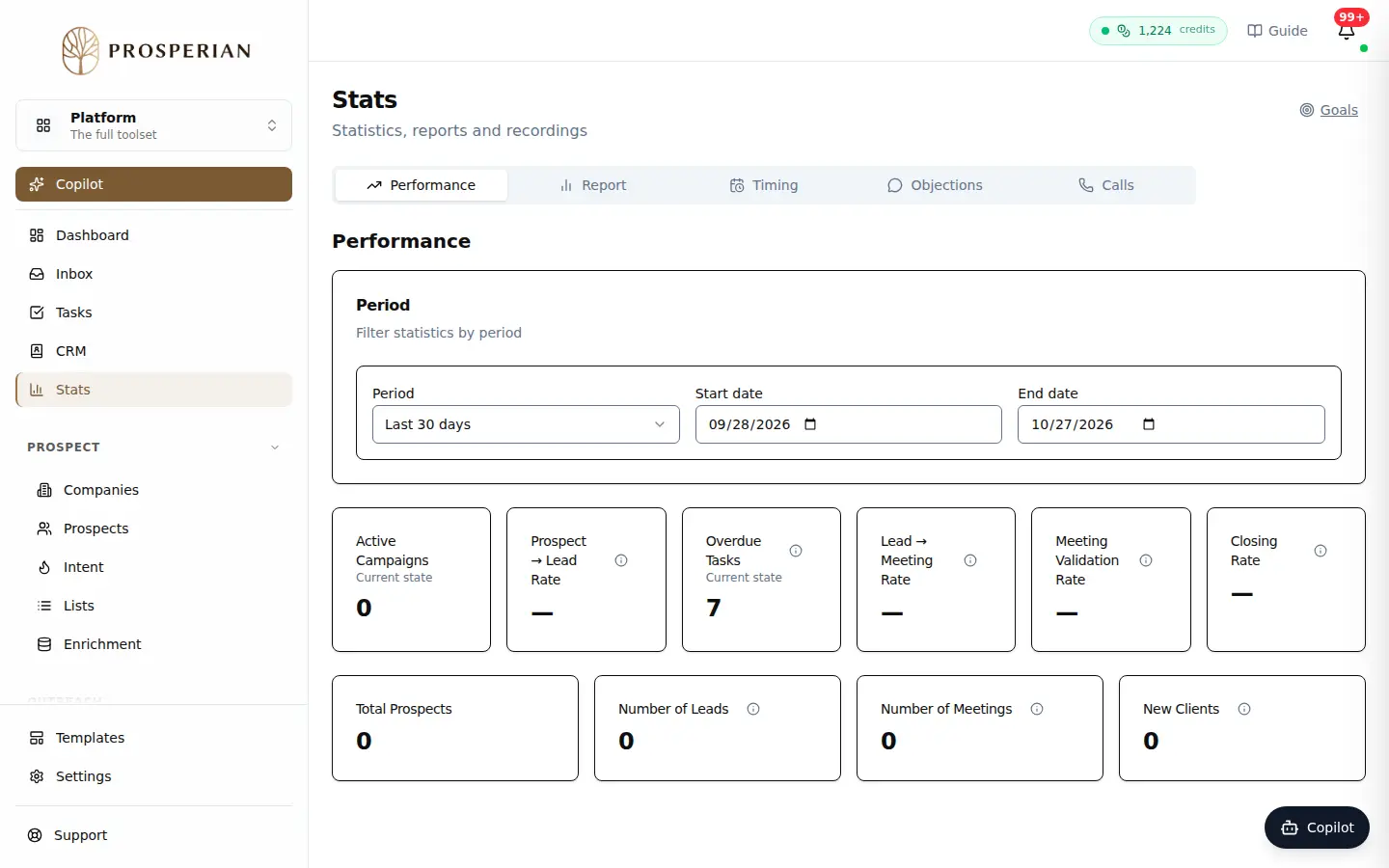
Open Stats and click Goals.
Step 1 of 4
Demo, no action on your account
Expected result
The month's table shows the goal and the actual for each row. The actual is credited to the prospect's current owner; clients and revenue count in the month the client is won.