Comment on LinkedIn posts with a campaign
Sign in to try itWhat it's for
A comment campaign spots LinkedIn posts and suggests a comment for each one. You approve every comment before it is published.
Before you start
- A connected LinkedIn account, which the comments will be published from. Connect your accounts
Steps
Open LinkedIn comments and check your Sending accounts at the top of the screen.
Click New campaign. Once a campaign exists, this button becomes a + next to Campaigns.
Enter a Campaign name, choose the Source (Keywords, List, Manual URLs or Watched authors), the Sending account and the Daily cap, then click Create.
In Validation queue, review each suggested comment with its source post, then click Approve or Reject.
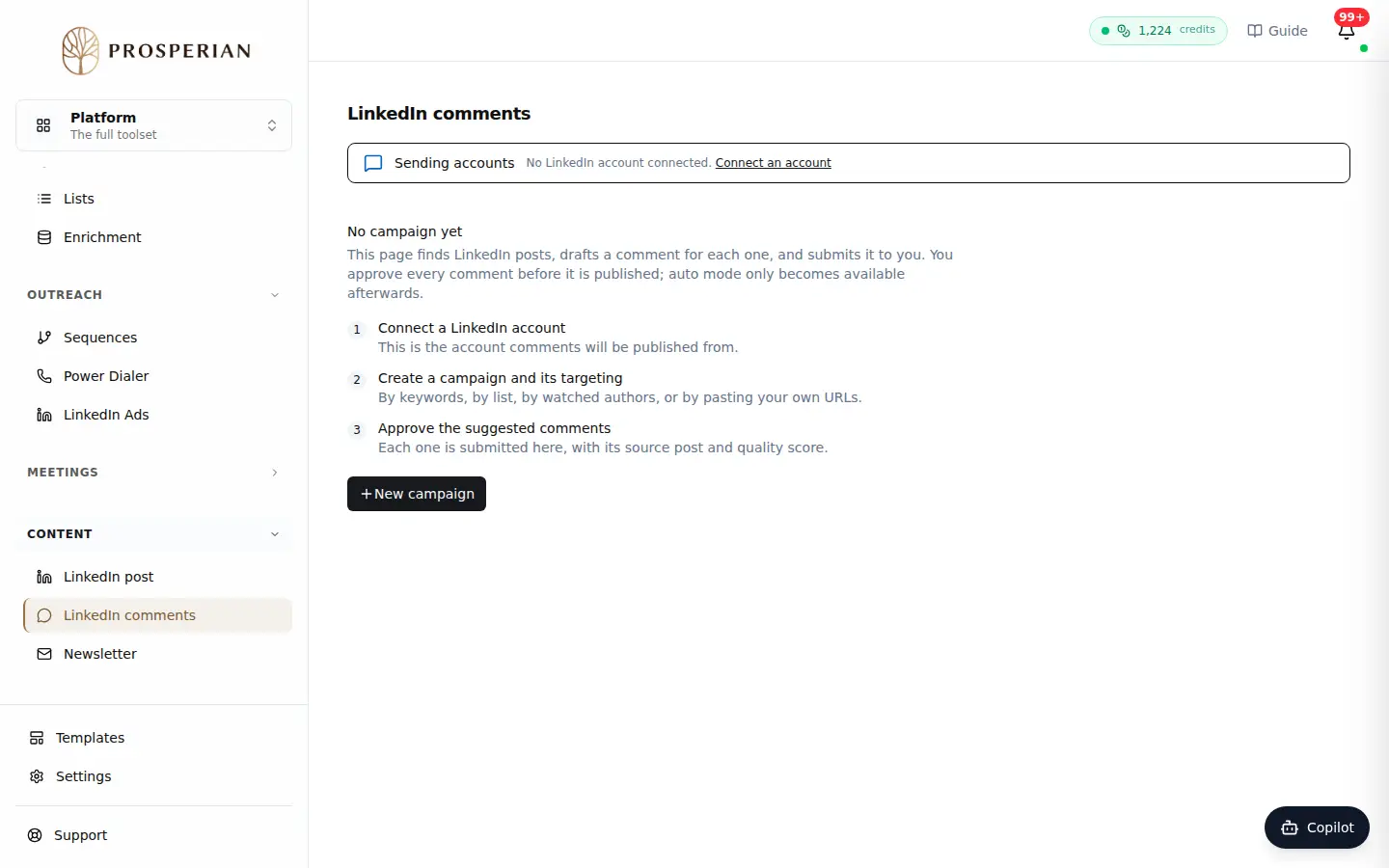
Open LinkedIn comments and check your Sending accounts at the top of the screen.
Expected result
Approved comments are published from the chosen account, within the daily cap. Recent history keeps track of what has been handled.