Read your agent's statistics
Sign in to try itWhat it's for
This screen measures your agent's work: it only counts the campaigns your agent created, not your team's.
Before you start
- A launched agent campaign: otherwise the screen shows "Your agent hasn't launched any campaign yet". Review and launch the agent's campaigns
Steps
In the agent menu, open Stats. The Agent statistics screen opens on the Report tab: tasks completed, meetings booked, calls, emails and LinkedIn activity, by person, by sequence and by list.
Click the Timing tab to see the best time to reach out, by day of the week and by hour.
Click the Objections tab to see the replies received, categorized by objection type, channel and list.
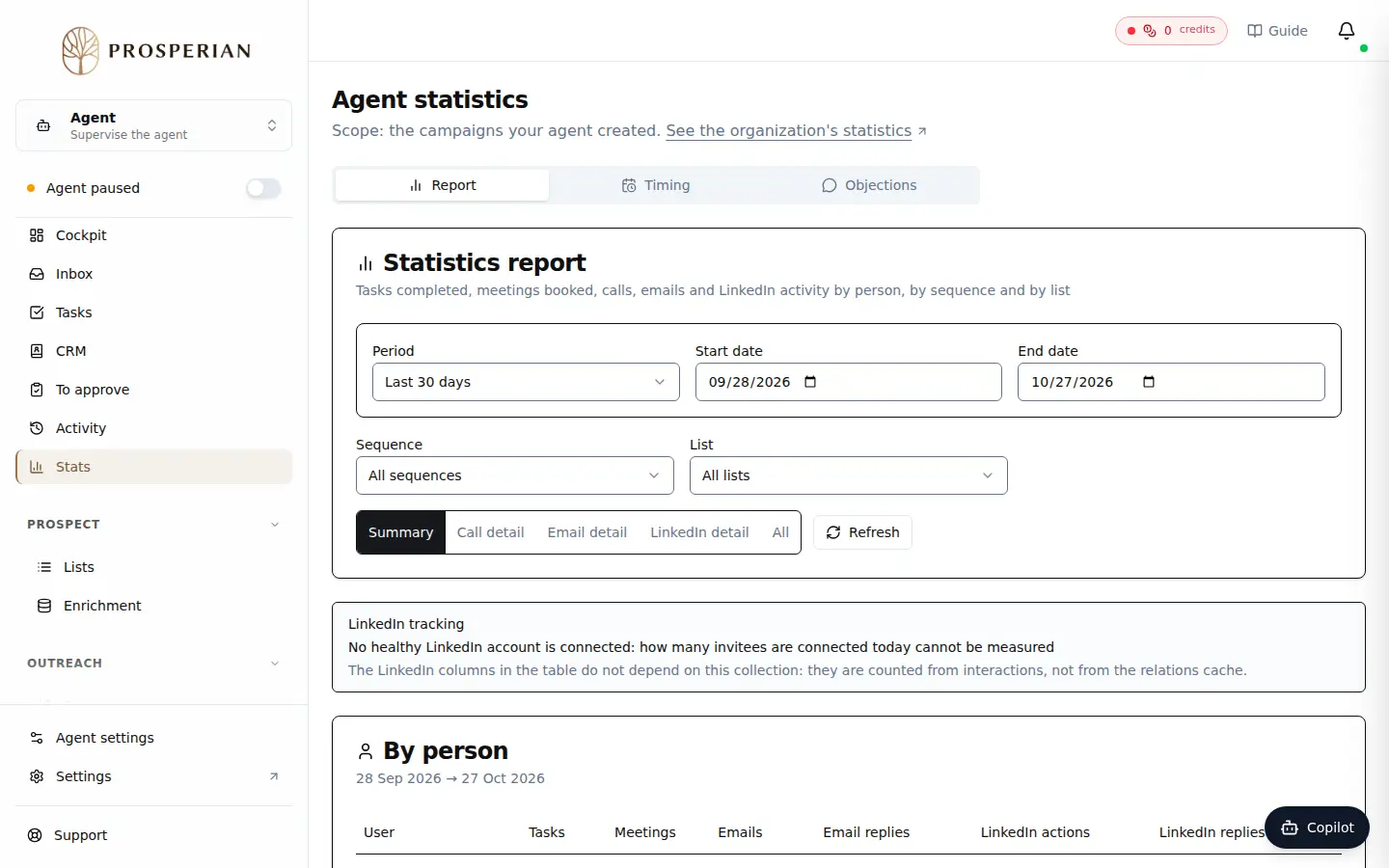
In the agent menu, open Stats. The Agent statistics screen opens on the Report tab: tasks completed, meetings booked, calls, emails and LinkedIn activity, by person, by sequence and by list.
Expected result
You know what your agent's campaigns produce, when your prospects reply, and which objections come back. To compare with the whole organization, click See the organization's statistics.