Take over an agent prospect by hand
What it's for
When an agent prospect deserves your attention, you take it over yourself: you become its owner, you reply and you call, without leaving the Agent space.
Before you start
- An agent that already has prospects. Supervise your agent
Steps
In the Agent space, open CRM and click the prospect: Contact details opens. In Owner, choose yourself.
To reply yourself, open Inbox, or click Open conversation in the record's History.
To call them, click Call in the record, or create a task in Follow-ups (Create a task, or Tomorrow): it shows up in Tasks.
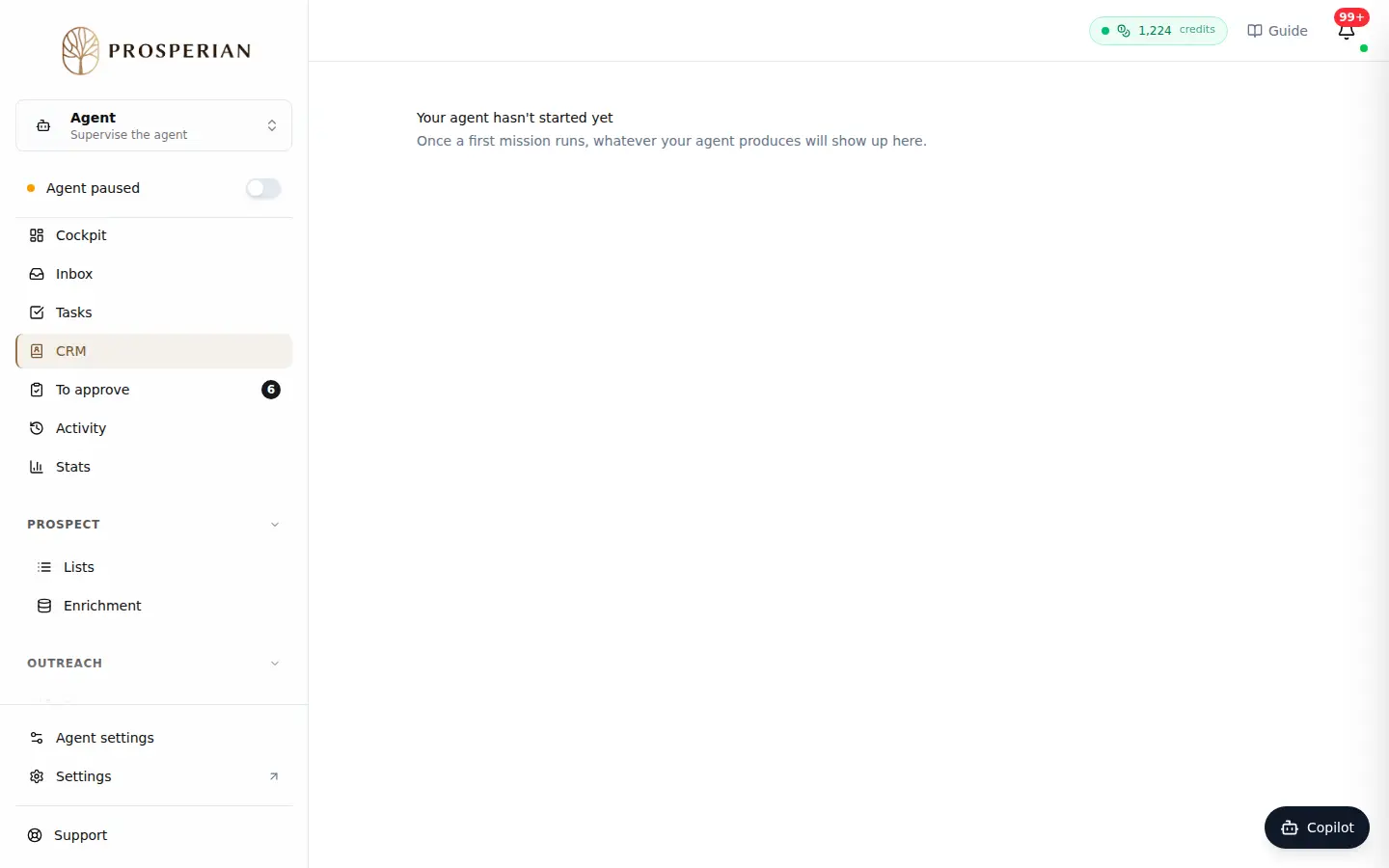
In the Agent space, open CRM and click the prospect: Contact details opens. In Owner, choose yourself.
Step 1 of 3
Demo, no action on your account
Expected result
The prospect shows you as owner; your replies, calls and tasks are added to their History.