Collect contacts from a buying signal
Sign in to try itWhat it's for
Intent gathers the contacts who show a buying signal and puts them in a prospect list, without creating a sequence. You then decide what to do with them.
Before you start
- Available credits: the cost of the collection is shown before you start it. Manage your credits
Steps
Open Intent.
Click New collection. If you have never run one, pick a signal straight from Start a collection.
Choose the signal in Pick a signal, set its Configuration, then click Continue.
At the Destination step, choose New list or Existing list, then click Start collection.
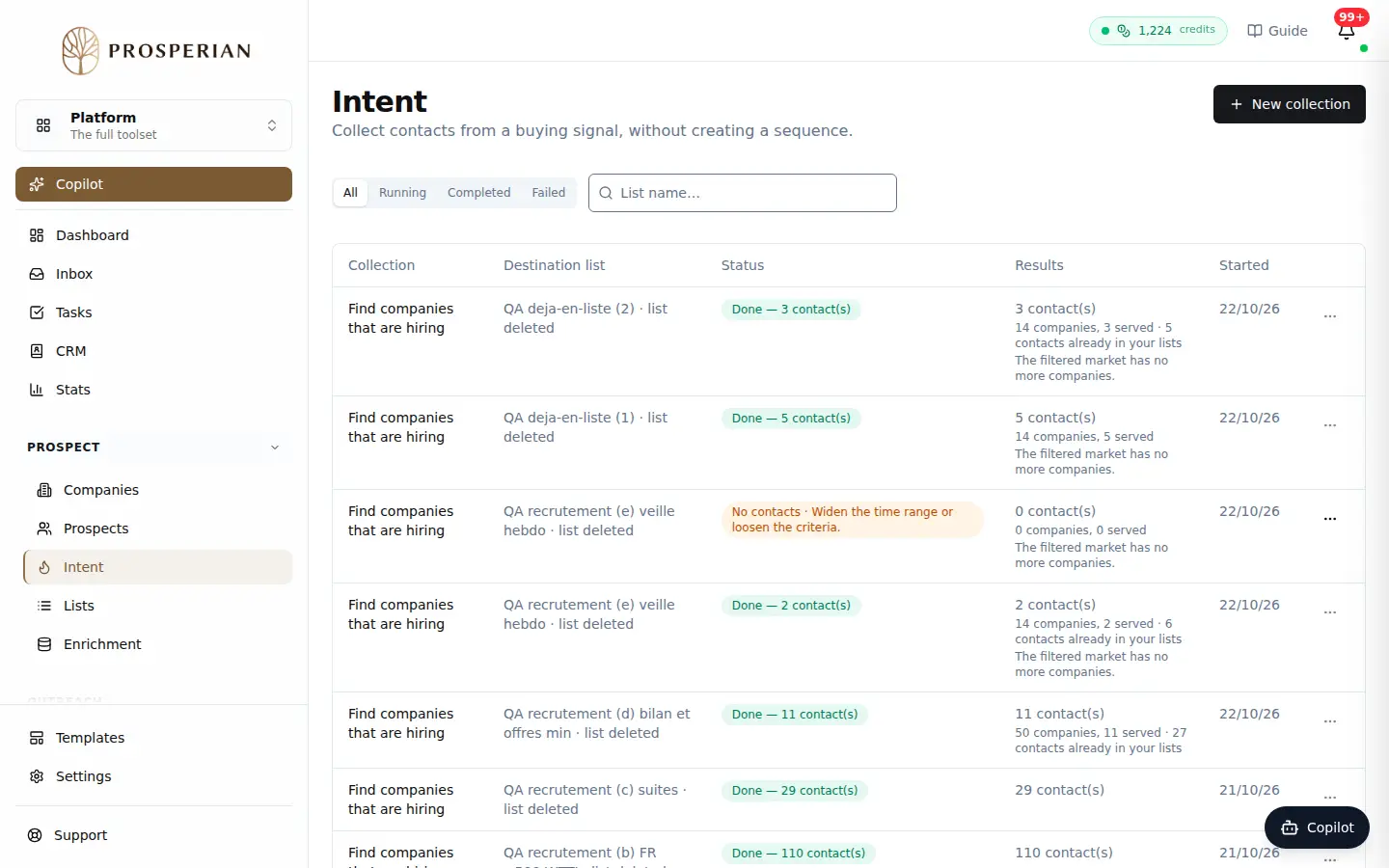
Open Intent.
Step 1 of 4
Demo, no action on your account
Expected result
The collection shows up in the history with its status. Once it is finished, its Actions menu offers Open list, Enrich list or Push to a sequence.