Send a newsletter
Sign in to try itWhat it's for
The newsletter sends the same email to a whole audience: your leads, the contacts in your lists or your subscribers. The screen keeps the history of your sends with their open and click rates.
Before you start
- A configured newsletter sender. Otherwise, the editor shows Configure newsletter sender.
Steps
Open Newsletter: the Sent newsletters report lists your past sends.
Click Create a new newsletter.
In Targeted audience, choose the Audience and, if it asks for it, check the relevant Lists.
Enter the Subject and the Content. In Test mode, click Send the test to receive it yourself, then switch to Global send and click Send the newsletter.
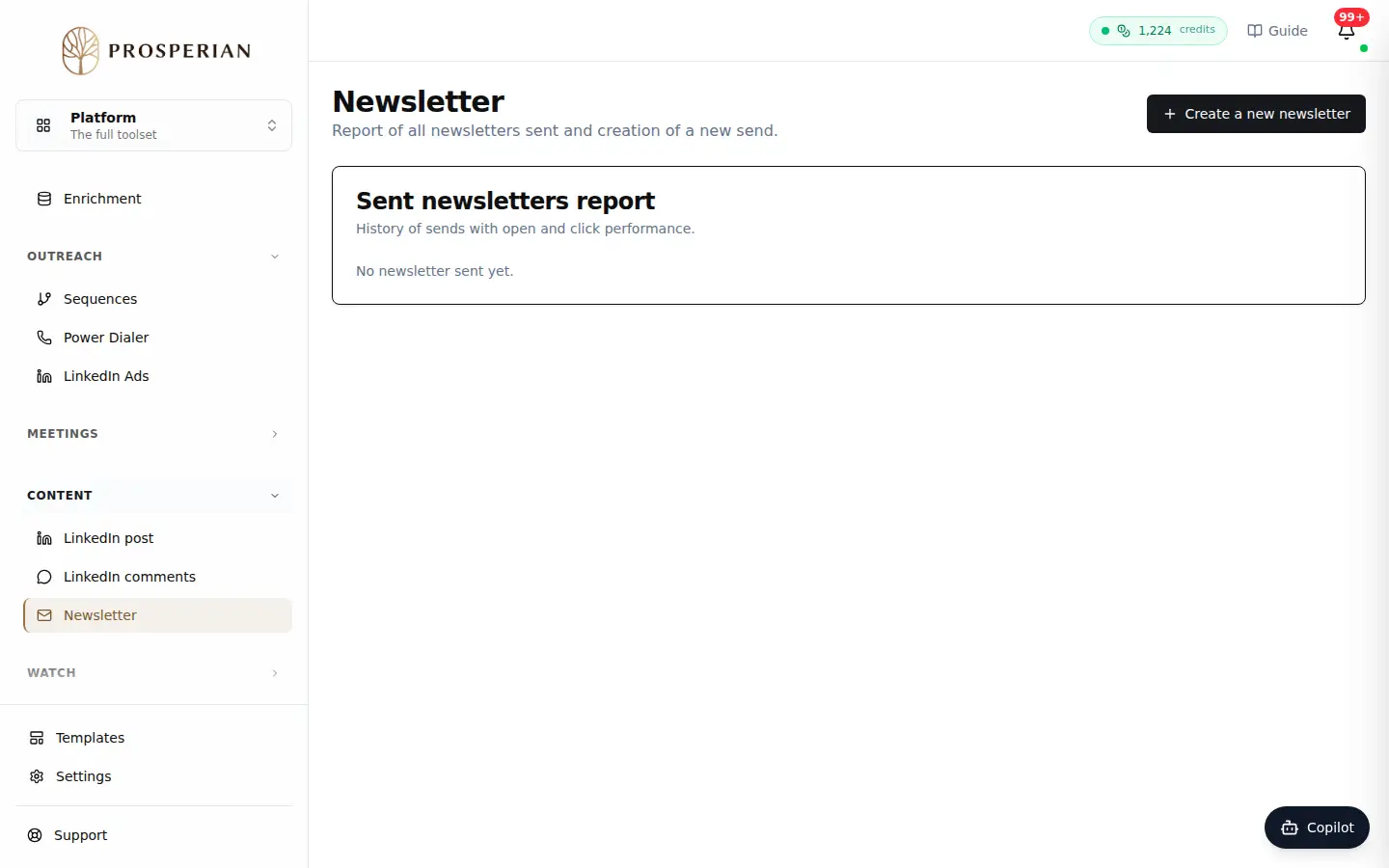
Open Newsletter: the Sent newsletters report lists your past sends.
Step 1 of 4
Demo, no action on your account
Expected result
The newsletter goes out to the Recipients shown and appears in the report, with its sends, opens and clicks.