Set campaign rules for the whole team
Sign in to try itWhat it's for
Set rules that apply to every campaign in the organization: pause periods, removing a company as soon as a meeting is booked, and competitors not to contact.
Before you start
- Be an administrator: this screen is not visible to users.
Steps
Open Settings ▸ Campaigns.
In Campaign pause calendar, select a start and end date on the calendar, click Add period, then Save.
In Meeting booked: remove the whole company, turn on Remove the whole company as soon as a meeting is booked: when a contact books a meeting, their colleagues leave your campaigns and the Power Dialer.
In Competitors to monitor, paste a competitor's LinkedIn page URL, click Add, then confirm the right page.
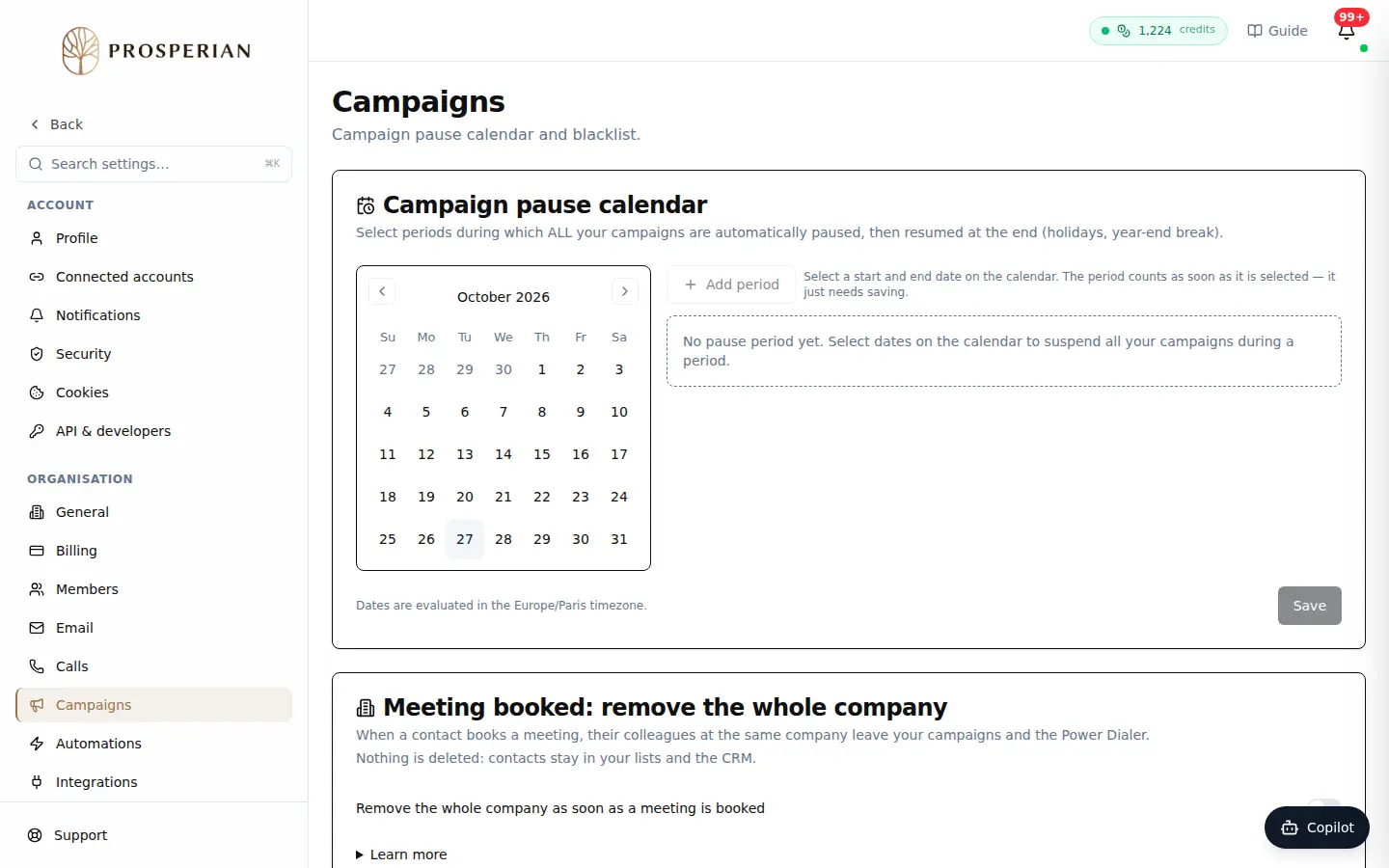
Open Settings ▸ Campaigns.
Expected result
During a pause period, all your campaigns stop and resume on their own at the end. These settings delete nothing: removed contacts stay in your lists and the CRM.
Going further
Next tutorial: Exclude contacts and companies with the blacklist