Create and launch a multichannel sequence
Sign in to try itWhat it's for
A sequence automatically chains emails, LinkedIn messages and calls to the prospects of a list, until they reply.
Before you start
- A connected sender account. Otherwise the screen shows "No sender connected". Connect your accounts
- A prospect list, ideally enriched. Find emails
- An active subscription to launch the sequence.
Steps
Open Sequences and click New sequence.
Choose Create manually.
On the Targeting step, name the sequence, choose your senders and select the Prospect list.
Click Next to compose the steps (email, LinkedIn, call), then on the Sending step, click Save and launch.
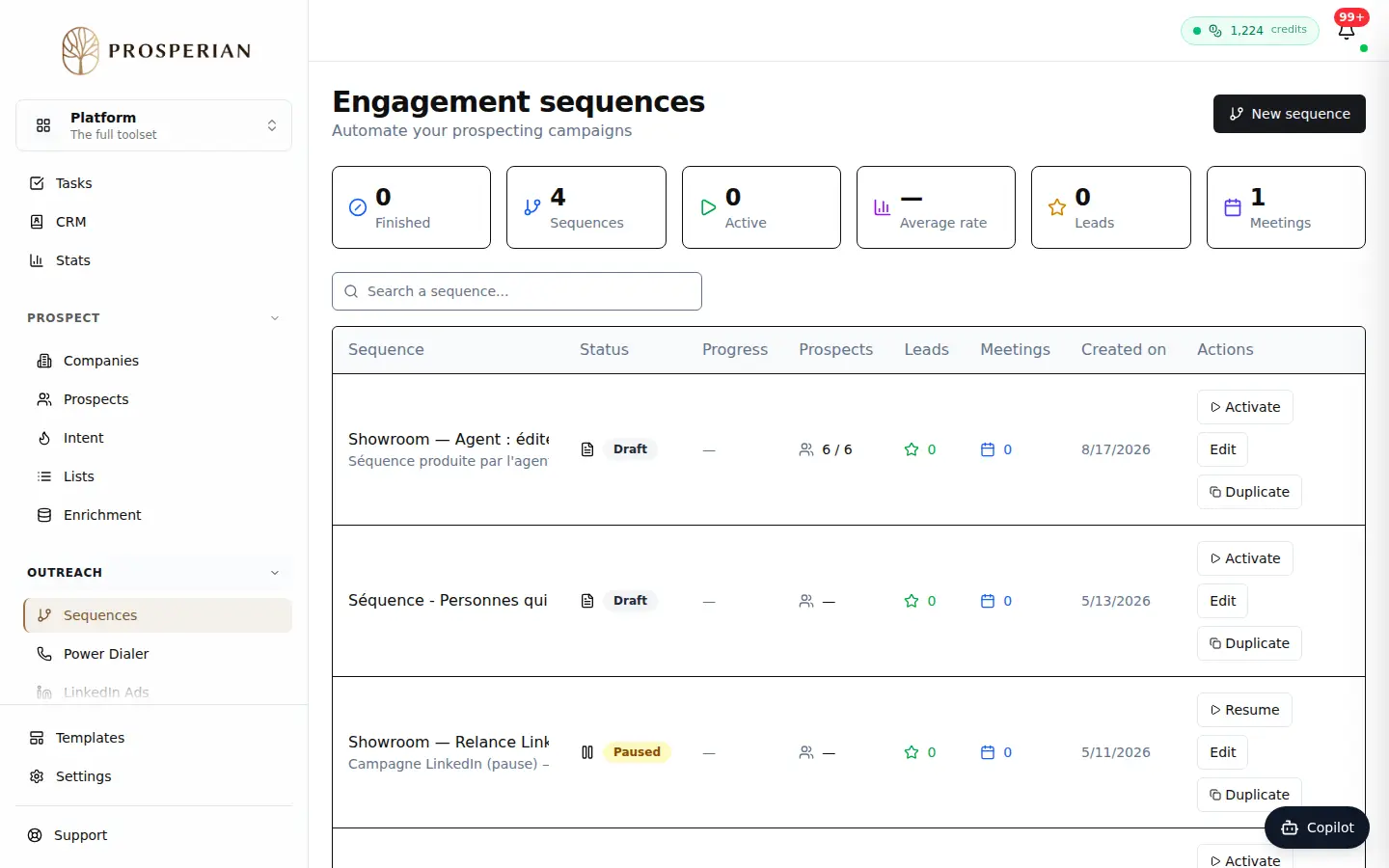
Open Sequences and click New sequence.
Step 1 of 4
Demo, no action on your account
Expected result
The sequence starts and you land on its statistics. Prospects who reply leave the sequence and appear in the Inbox.
Going further
- Handle replies in the Inbox