Create a LinkedIn Ads campaign
Sign in to try itWhat it's for
You follow your LinkedIn Ads campaigns and create a Document Ad, with its targeting, without leaving Prosperian.
Before you start
- A LinkedIn account with access to a LinkedIn Ads ad account.
Steps
Open LinkedIn Ads and click Sign in with LinkedIn.
In Select an ad account, click Select next to the account to use.
Click Document Ad, fill in the Campaign name, the Daily budget (EUR), the Audience targeting and the Document (PDF, PPT, PPTX), then click Create the Document Ad.
Follow spend, impressions and clicks in the Campaigns and Overview tabs. Pause stops a campaign, Activate restarts it.
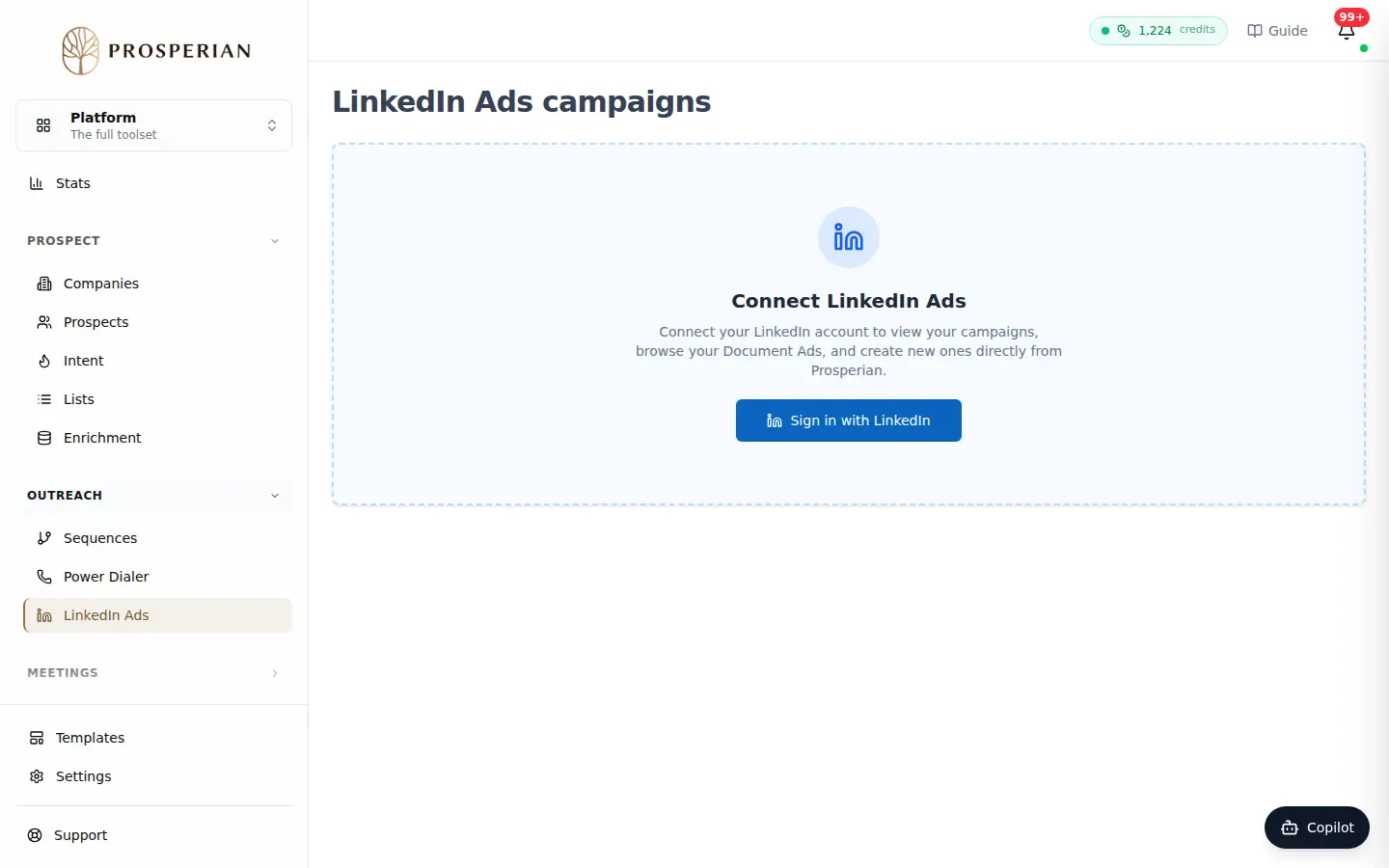
Open LinkedIn Ads and click Sign in with LinkedIn.
Step 1 of 4
Demo, no action on your account
Expected result
The campaign is created active with the chosen targeting: it starts spending its daily budget on your ad account.