Create a prospect list
Sign in to try itWhat it's for
A list groups the people you want to contact. It is the starting point for enrichment and for a sequence.
Before you start
- Nothing special: any user can create a list. Open Lists
Steps
Open Lists in the Platform and stay on the Prospects tab.
To fill a list from a file, click Import CSV: choose the file, map its columns, check the preview, name the list, then start the import.
To start from an empty list, click New list.
Name the list and click Create.
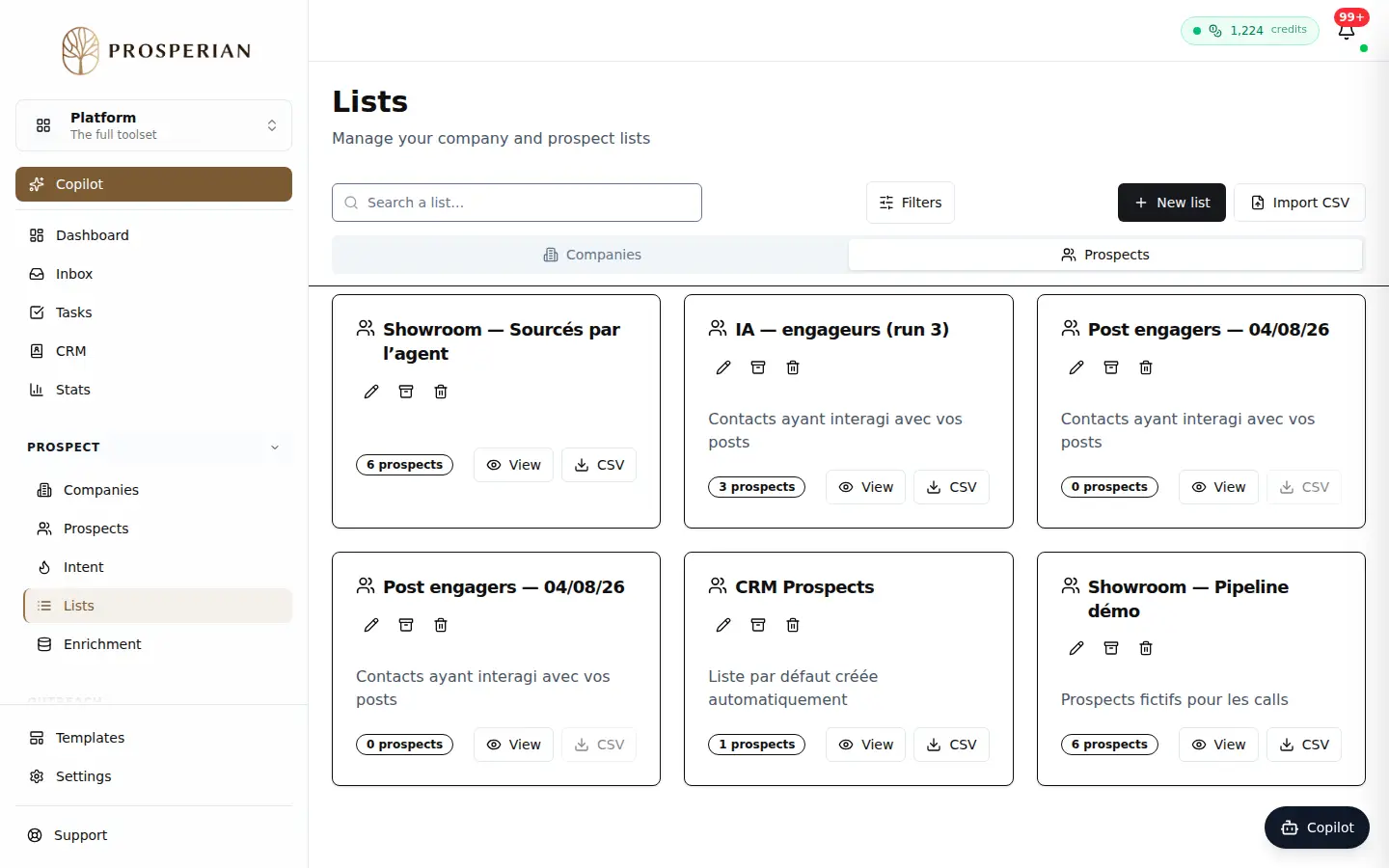
Open Lists in the Platform and stay on the Prospects tab.
Step 1 of 4
Demo, no action on your account
Expected result
The list appears in Lists. After an import, an Import complete report shows how many prospects were added.