Post on LinkedIn and send a newsletter
Sign in to try itWhat it's for
The Content section of the Agent space drafts your LinkedIn posts and comments, which you approve before they are published, and sends your newsletters.
Before you start
- A connected LinkedIn account for posts and comments. Connect your mailbox and LinkedIn
Steps
In the Content section of the menu, open LinkedIn post. For a first campaign, click Create my campaign: pick the account that will publish, describe your offer and your goal. Afterwards, Create a campaign, Manage campaigns and Write a post are at the top of the screen.
Open LinkedIn comments and click New campaign to choose which posts to comment on. Approve each suggested comment in the Validation queue tab.
Open Newsletter and click Create a new newsletter. The Sent newsletters report shows past sends and their open and click rates.
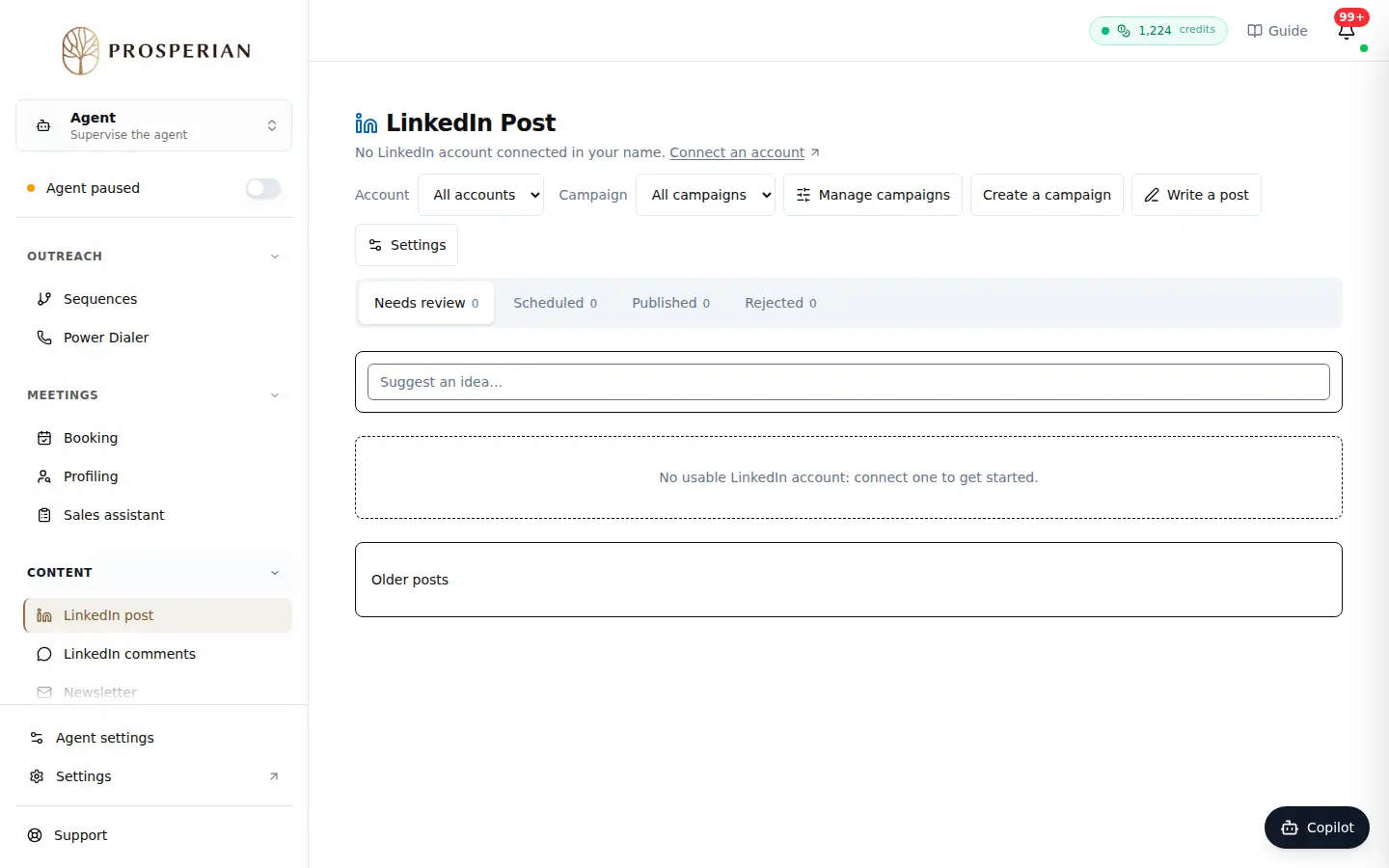
In the Content section of the menu, open LinkedIn post. For a first campaign, click Create my campaign: pick the account that will publish, describe your offer and your goal. Afterwards, Create a campaign, Manage campaigns and Write a post are at the top of the screen.
Expected result
Your post and comment suggestions wait for your approval, and your sent newsletters appear in their report.