Watch your competitors and your industry
Sign in to try itWhat it's for
A watch monitors a competitor or an industry from your keywords, then gives you a summary and recommendations.
Before you start
- Know which competitor or industry to follow, and a few keywords that describe it.
Steps
In the Watch section of the menu, open Competitive watch and click New watch.
Fill in the Watch title, the Target competitor and the Keywords, then click Create watch.
Find your watches in the list, with the search and the type and status filters. The Watch results (summary, recommendations) show on each watch's card.
Open Industry watch to follow your industry the same way, with its Industry and Geographic area.
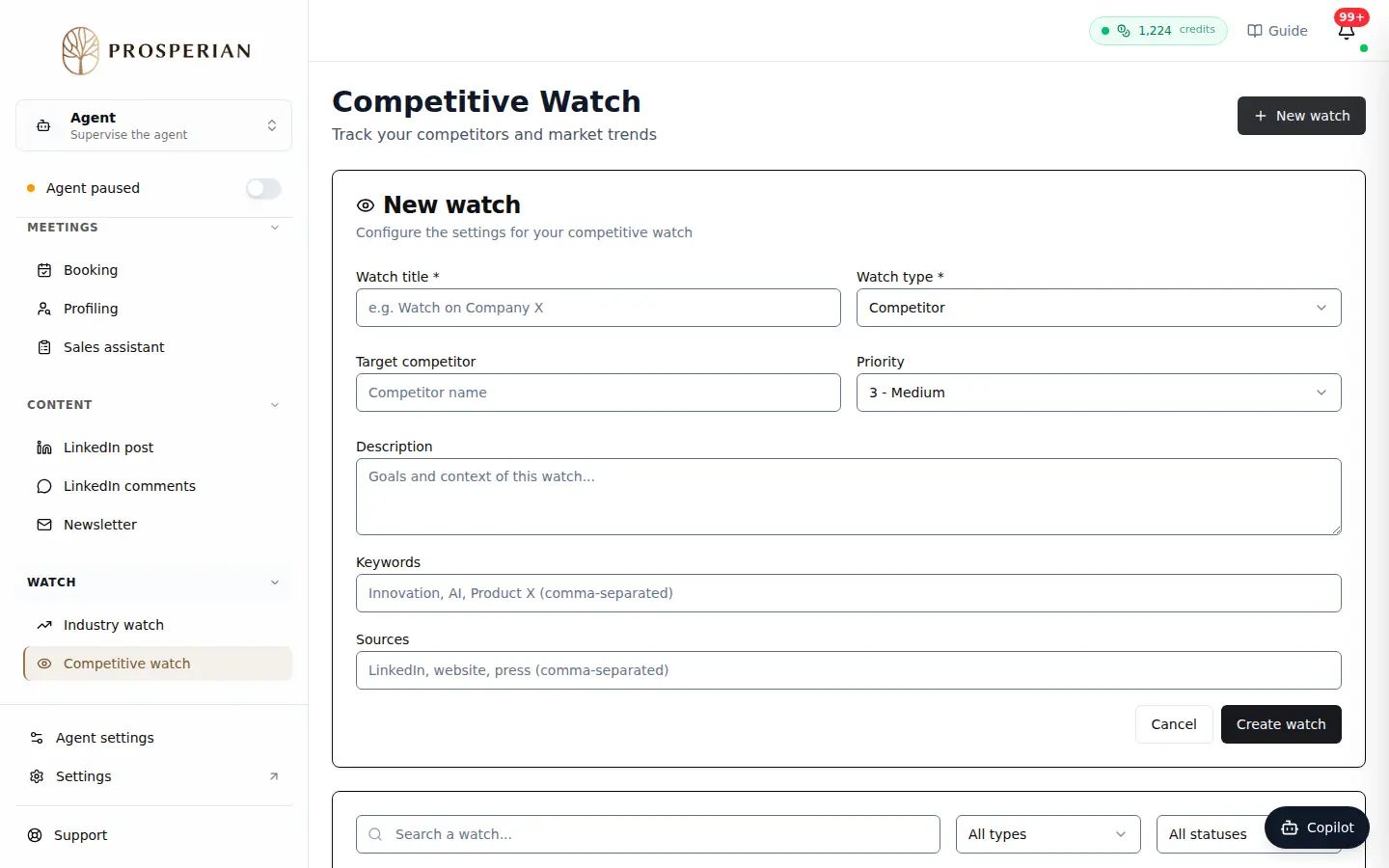
In the Watch section of the menu, open Competitive watch and click New watch.
Step 1 of 4
Demo, no action on your account
Expected result
Each watch appears in the list and fills up with its results as the analysis runs.