Track your contacts and meetings in the CRM
Sign in to try itWhat it's for
The CRM sorts each contact by progress, from first contact to meeting, and groups your meetings in a pipeline by stage.
Before you start
- Prospects in a list: the CRM fills up as they are contacted and reply. Create a prospect list
Steps
Open CRM. The Prospects, Contacted, Leads and Appointments tabs sort your contacts by progress; the number in brackets gives their count.
Narrow the view with the filters at the top: status, tag, owner and dates. Reset filters shows everything again.
Click the Appointments tab.
The Pipeline view sorts your meetings by stage: drag a card from one column to another to move it forward. List shows the same meetings as a table.
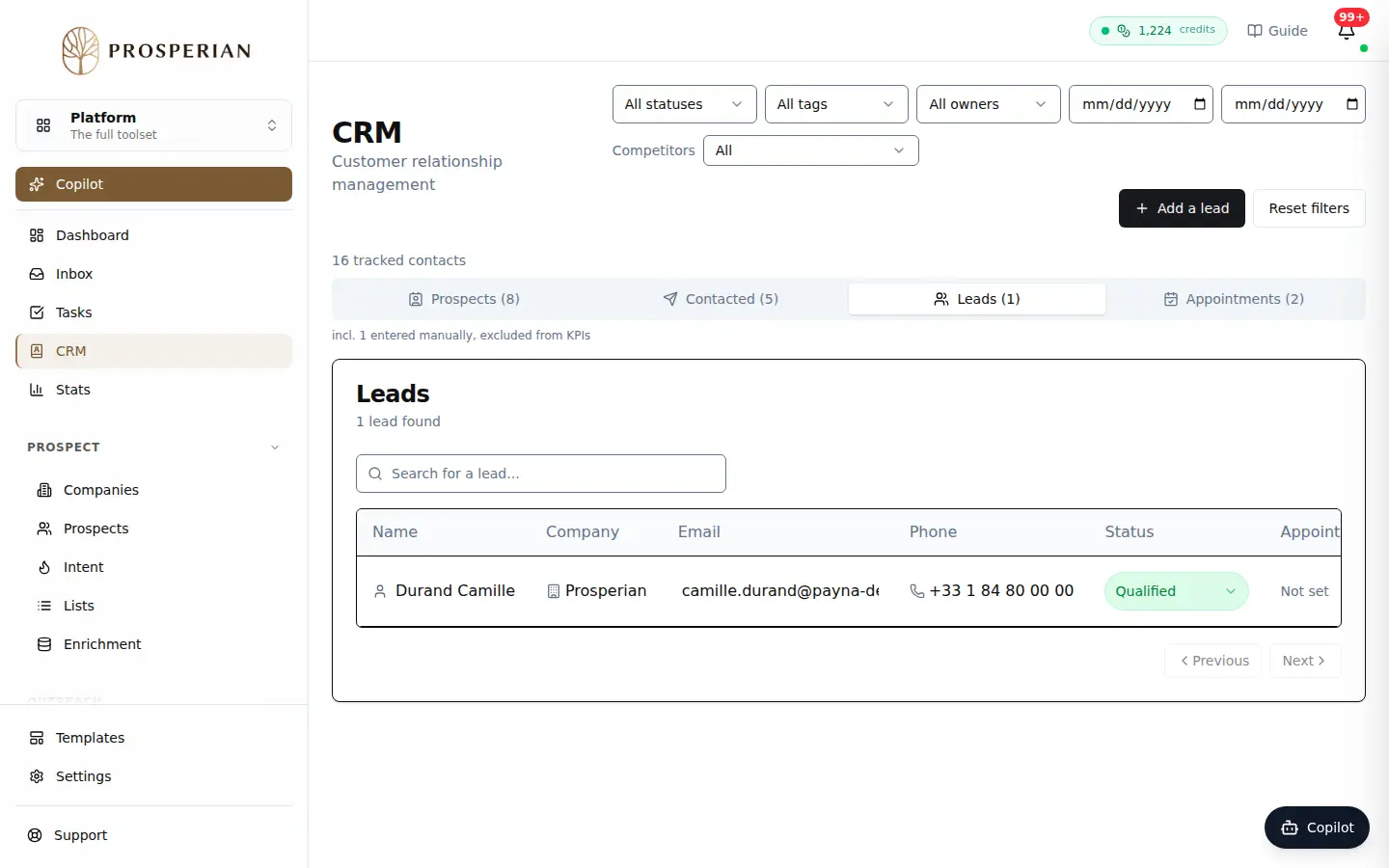
Open CRM. The Prospects, Contacted, Leads and Appointments tabs sort your contacts by progress; the number in brackets gives their count.
Expected result
Each stage change updates the contact's status, which feeds your statistics. Click a contact to open their record and history. An administrator can rename and add stages with Manage stages.