Handle replies in the Inbox
Sign in to try itWhat it's for
All your prospects' replies, email and LinkedIn, arrive in one place. You read them, answer them and categorize them to track what is moving.
Before you start
- A connected mailbox or LinkedIn account: without an account, no reply comes in. Connect your accounts
Steps
Open Inbox and click the Replied filter to see only the conversations where the prospect replied.
Find the conversation to handle in the list.
Open it to read the whole exchange and reply.
Click Categorize the reply, pick the category that matches the reply in Choose a category, then click Save.
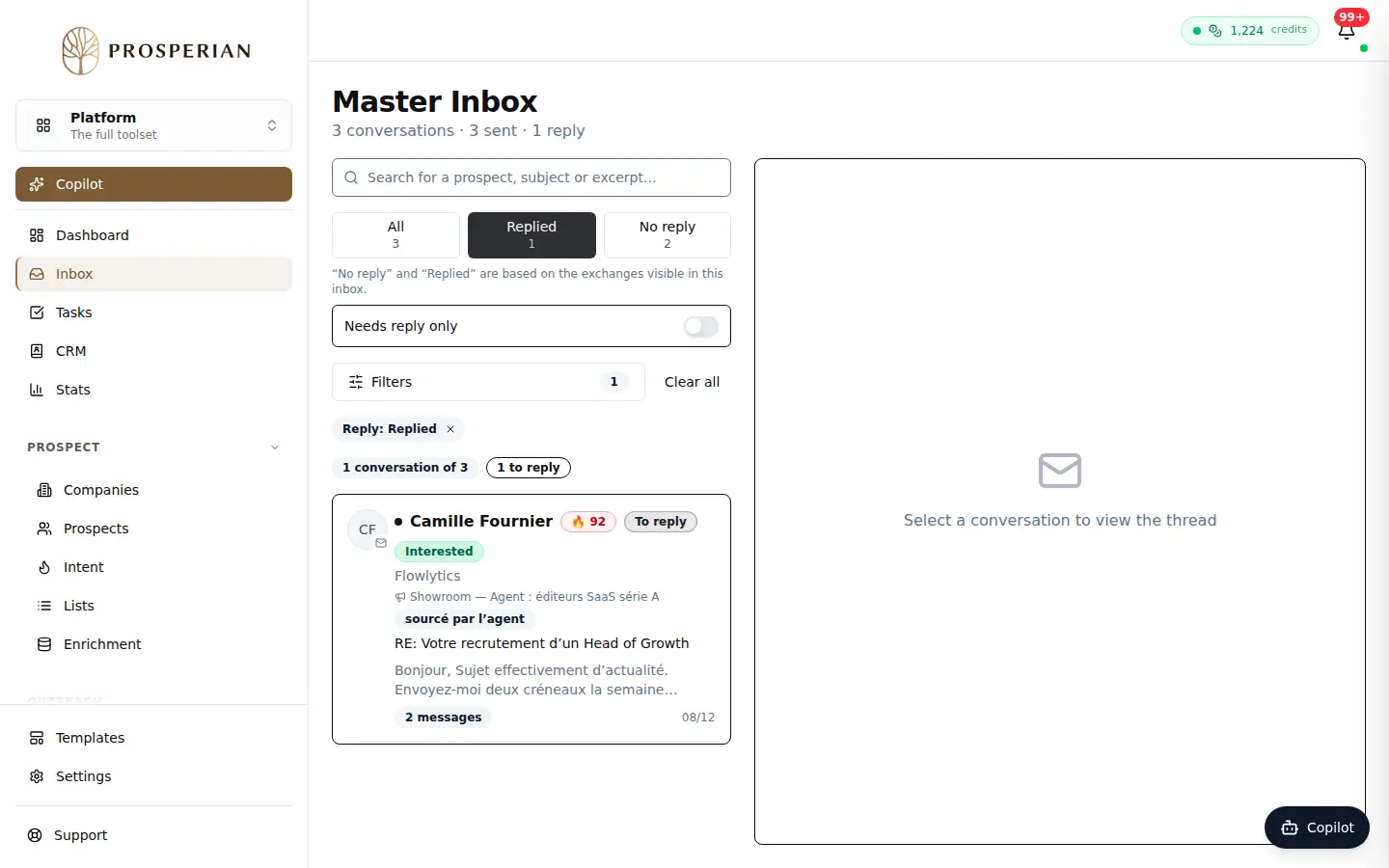
Open Inbox and click the Replied filter to see only the conversations where the prospect replied.
Step 1 of 4
Demo, no action on your account
Expected result
The conversation shows its category, which feeds your CRM and statistics.