Manage licences per member
Sign in to try itWhat it's for
Each active member uses one licence, which gives them 3 sending mailboxes. Each extra licence assigned to a member adds 3 mailboxes.
Before you start
- Be an administrator of the organization.
- Have an active subscription to add licences: during your trial, their number can't go up. Manage credits and subscription
Steps
Open Settings ▸ Email and click Manage prospecting accounts.
In Licences per member, read how many licences are available and in total.
On a member's row, adjust their number of licences with + and −, then click Save. A member always keeps enough licences for the mailboxes they use.
No free licence left? Click Add licences.
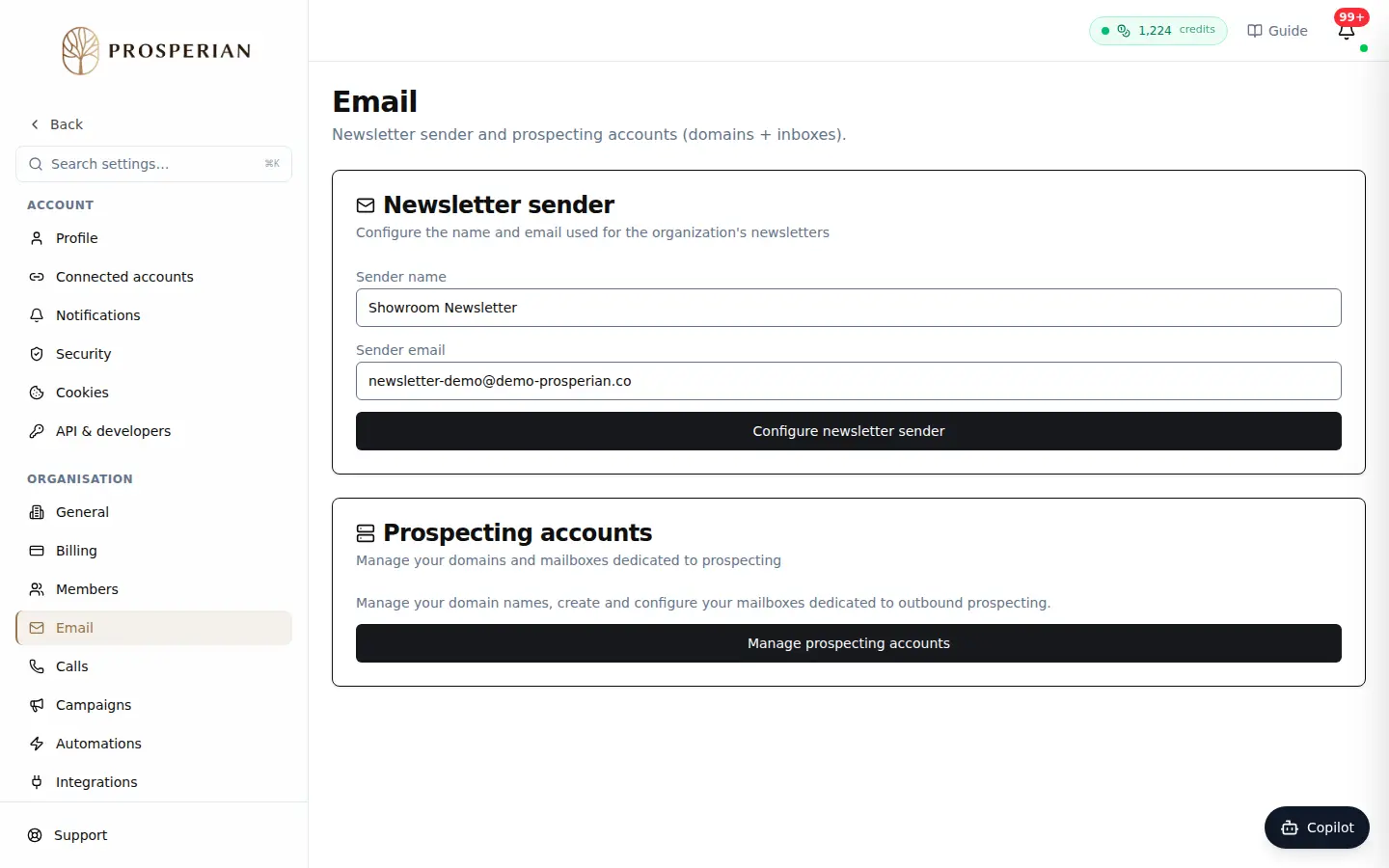
Open Settings ▸ Email and click Manage prospecting accounts.
Step 1 of 4
Demo, no action on your account
Expected result
The member's row shows their new capacity (mailboxes used / capacity), and they can add sending mailboxes up to that limit.