Invite your team
Sign in to try itWhat it's for
Give your colleagues access to Prosperian, choose who administers the organization, and remove features a member should not use.
Before you start
- Be an administrator of the organization: this screen is not visible to users.
- Have a free licence for each person you invite. Otherwise the invite button is blocked: add licences first. Open Users
Steps
Open Settings ▸ Users and click Invite a user.
Enter the person's email address.
Choose their role: User, or Administrator if they should manage the team, billing and settings.
Click Send invitation. The person receives an email to create their access.
To restrict a member, click Permissions on their row and turn off the features concerned (enrichment, sourcing, calls…). An administrator always keeps everything.
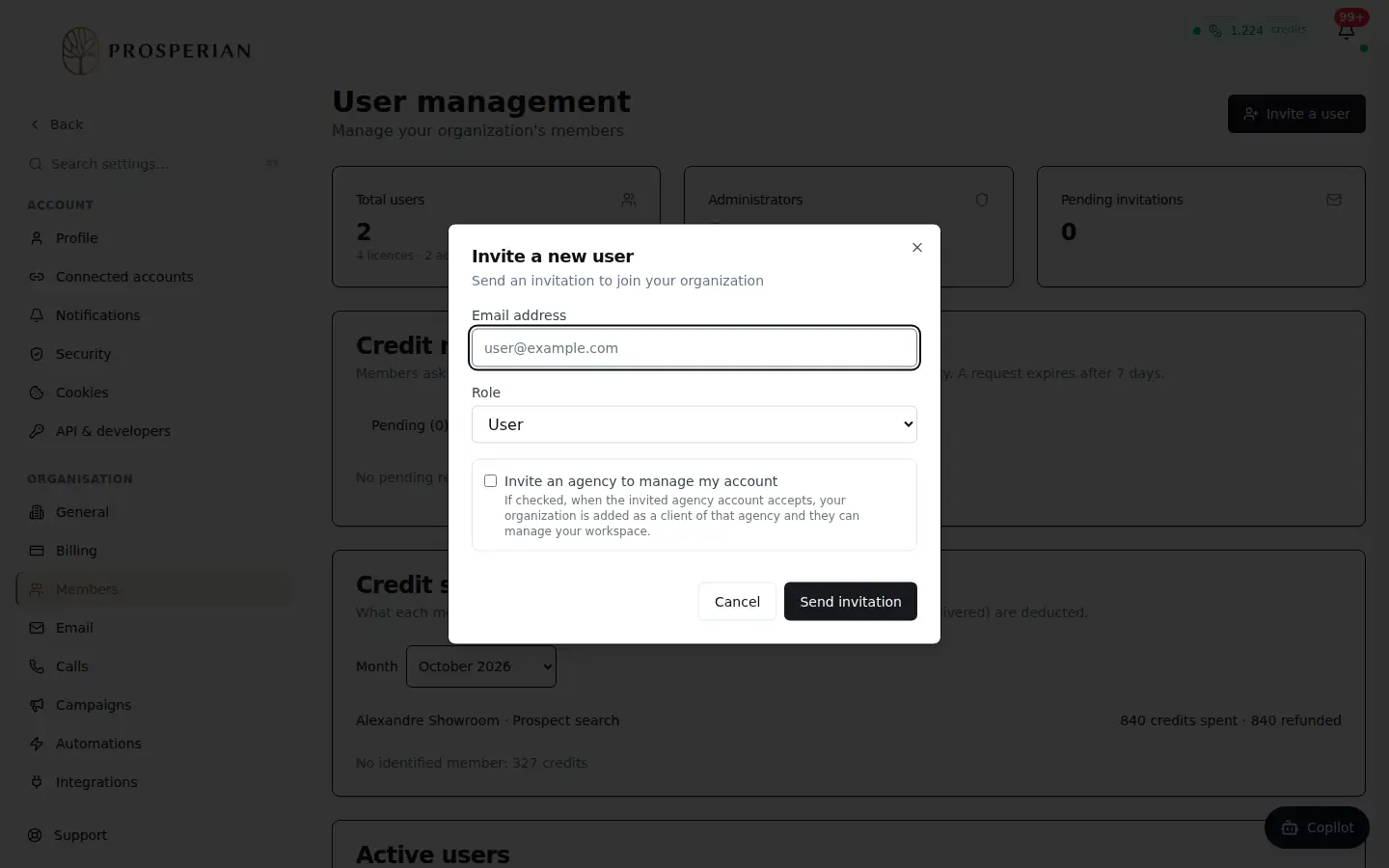
Open Settings ▸ Users and click Invite a user.
Step 1 of 5
Demo, no action on your account
Expected result
The invitation appears in the pending invitations until it is accepted. Removed permissions apply to the member immediately.