Manage credits and subscription
Sign in to try itWhat it's for
Credits pay for what has a cost: finding an email or a phone number, and the agent's contacts. This screen shows your balance, sets your monthly credit subscription and lets you top up once.
Before you start
- Be an administrator: a user sees their balance in the top bar and asks their administrator for credits from that same counter. Open Billing
Steps
Open Settings ▸ Billing and read your available credits.
Under Monthly subscription, choose your credit pack size with the slider.
Click Subscribe (or Update subscription if you already have one) and confirm the payment.
For a one-off need, use the top-up further down the page.
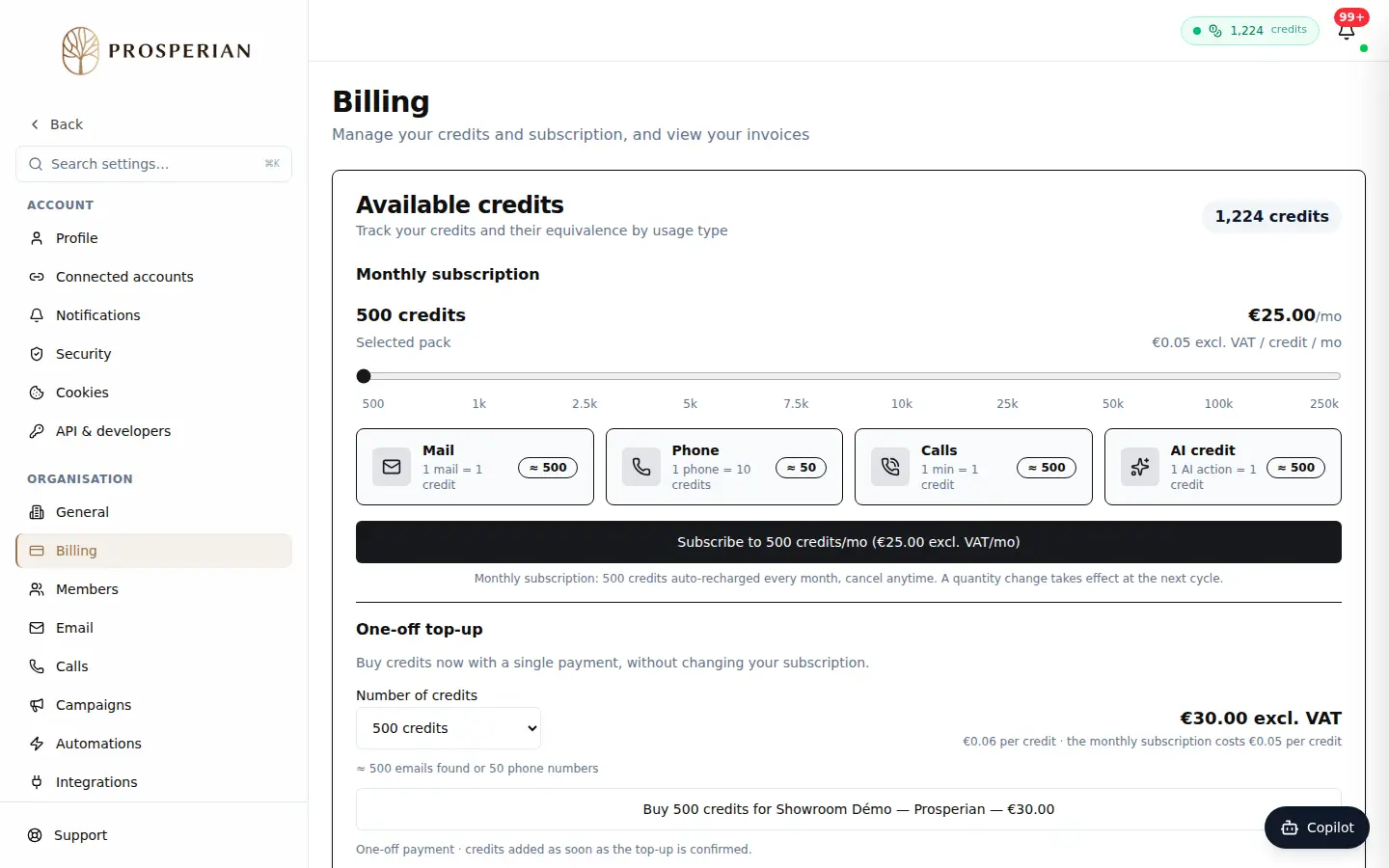
Open Settings ▸ Billing and read your available credits.
Step 1 of 4
Demo, no action on your account
Expected result
Your balance is credited every month according to your pack, and your teams can enrich and prospect without being blocked.