Combine automated sequences and calls
What it's for
Let the sequence send the emails and LinkedIn messages, and place calls at the right moment: every prospect who reaches a call step waits for you in the Power Dialer and in your tasks.
Before you start
- A sequence ready to go. Create and launch a multichannel sequence
- Prospects with a phone number. Find emails and phone numbers for a list
Steps
Open Sequences and, in your sequence, add a Call Attempt block (category Phone) between your messages. Each prospect who reaches it gets a call task, on the planned day.
Open Power Dialer and choose Sequence in Call source, then the sequence in Sequence to call. Only contacts with a call scheduled today are dialled. Then click Start session.
Prefer to handle calls one by one? Open Tasks and click Start my tasks for today.
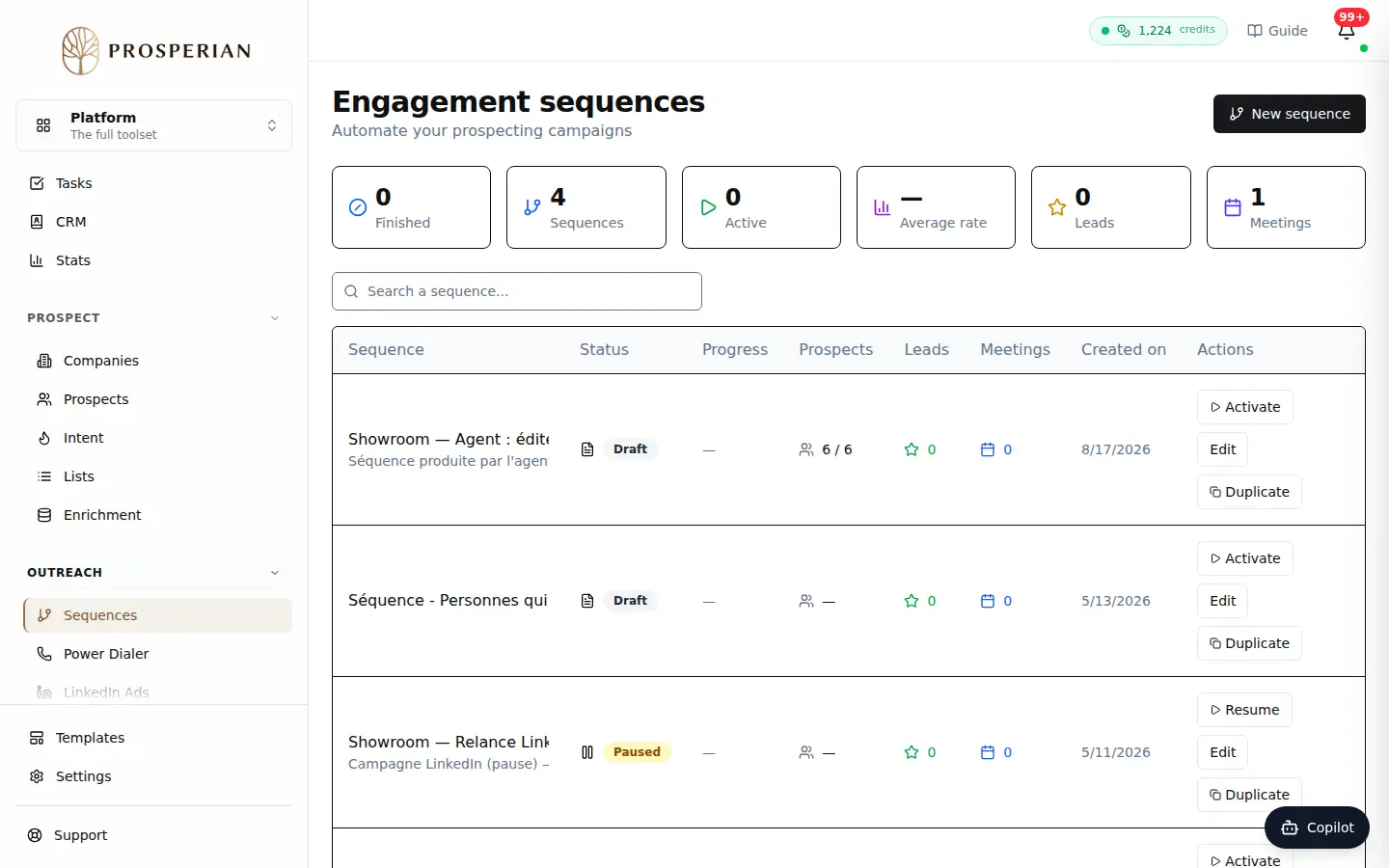
Open Sequences and, in your sequence, add a Call Attempt block (category Phone) between your messages. Each prospect who reaches it gets a call task, on the planned day.
Expected result
Automated sending carries on while you call. When a prospect declines or books a meeting, their sequence tasks still open are cancelled on their own.