Publish LinkedIn posts drafted for you
Sign in to try itWhat it's for
You describe your offer once. Prosperian then suggests LinkedIn posts, which you review before they are published.
Before you start
- A connected LinkedIn account, which will publish the posts. Connect your accounts
Steps
Open LinkedIn post and click Create a campaign. The first time, the button is called Create my campaign.
Choose the LinkedIn account that will publish, then click Next.
Fill in What your customers are trying to solve and What you bring them, click Next, then choose the Goal, the Posts per week and the Language, and click Create campaign.
In the Needs review tab, review each suggestion: Edit, Reject or Approve.
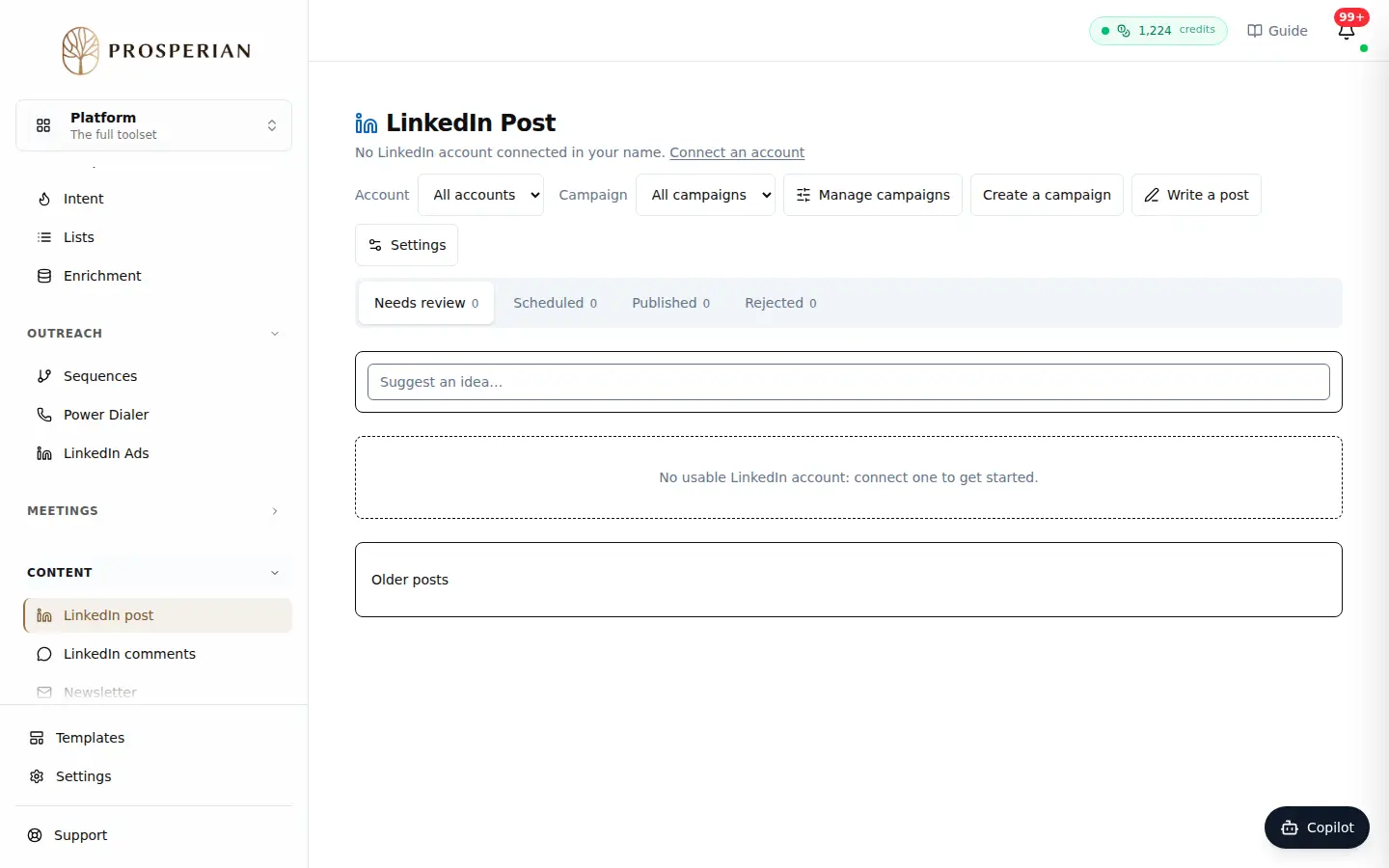
Open LinkedIn post and click Create a campaign. The first time, the button is called Create my campaign.
Expected result
An approved post moves to Scheduled, then to Published once it is live. Manage campaigns lets you edit an existing campaign.