Supervise your agent
Sign in to try itWhat it's for
See at a glance what the agent is doing, approve what is waiting for you, and follow its activity.
Before you start
- A configured agent. Set up your agent
Steps
Open the Cockpit: it shows whether the agent is working, paused or ready to start, with its key figures.
Open To approve: the actions waiting for your approval, sorted by tab (Inbox, Campaigns, Enrichments, Tasks, CRM). For each one: Approve, Reject or Edit.
Open Activity to follow what the agent did, in order.
Open Tasks for the tasks the agent created for you, such as a call to make.
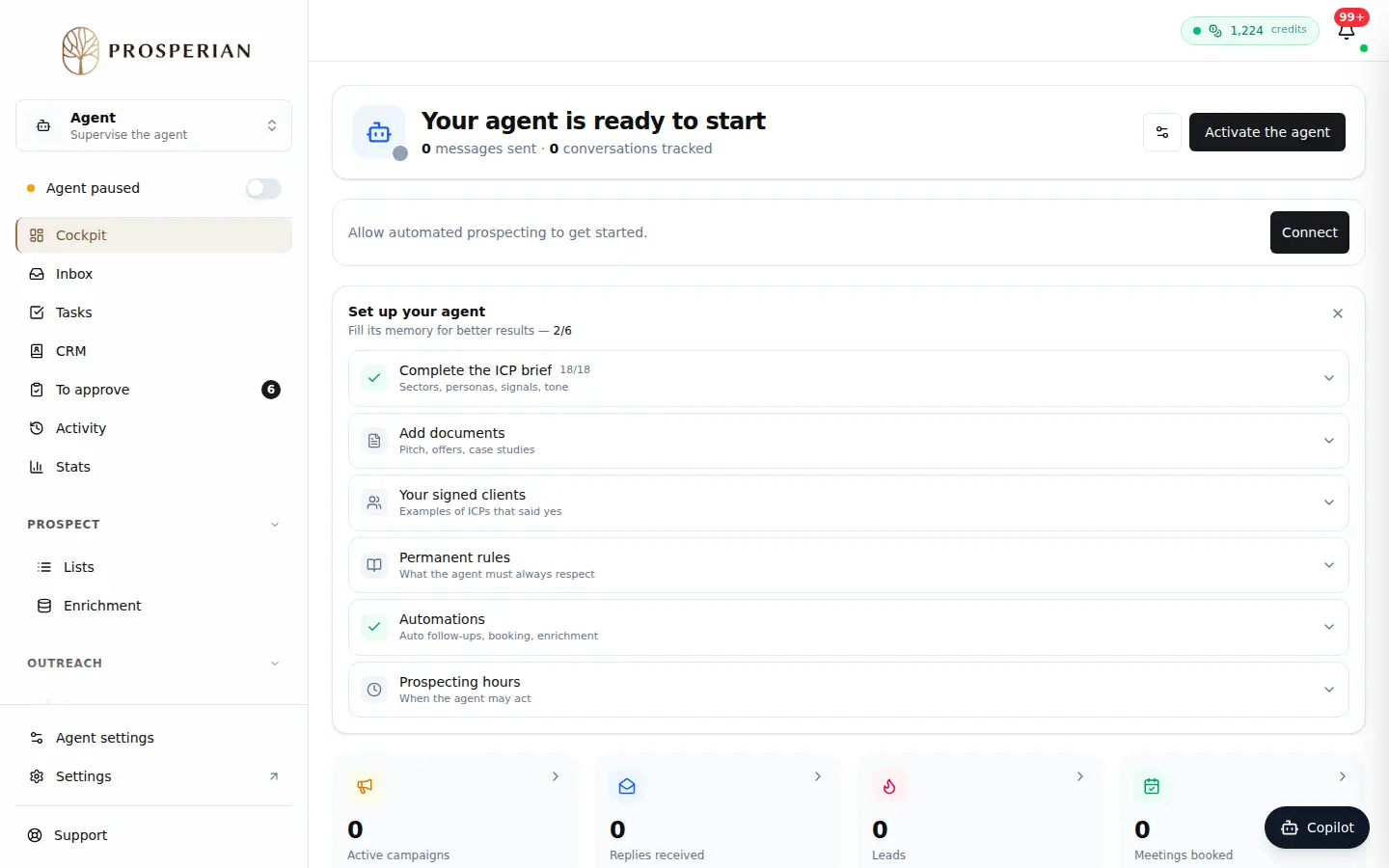
Open the Cockpit: it shows whether the agent is working, paused or ready to start, with its key figures.
Step 1 of 4
Demo, no action on your account
Expected result
Nothing is left in To approve ("Nothing to approve"), and you know what the agent did since your last visit.