Prepare a meeting with the sales assistant
Sign in to try itWhat it's for
Before a meeting, the sales assistant gathers what you know about the prospect: budget, timeline, decision maker, confirmed need and next steps.
Before you start
- Prospects with a meeting: only prospects who have a meeting can be analyzed. Track your contacts and meetings in the CRM
Steps
Open Meetings ▸ Sales assistant and click Analyze new prospects.
The Analyze prospects for pre-meeting window counts your prospects: Total meetings, Already analyzed and To analyze.
In the list, select a meeting marked To analyze.
Click Start analysis.
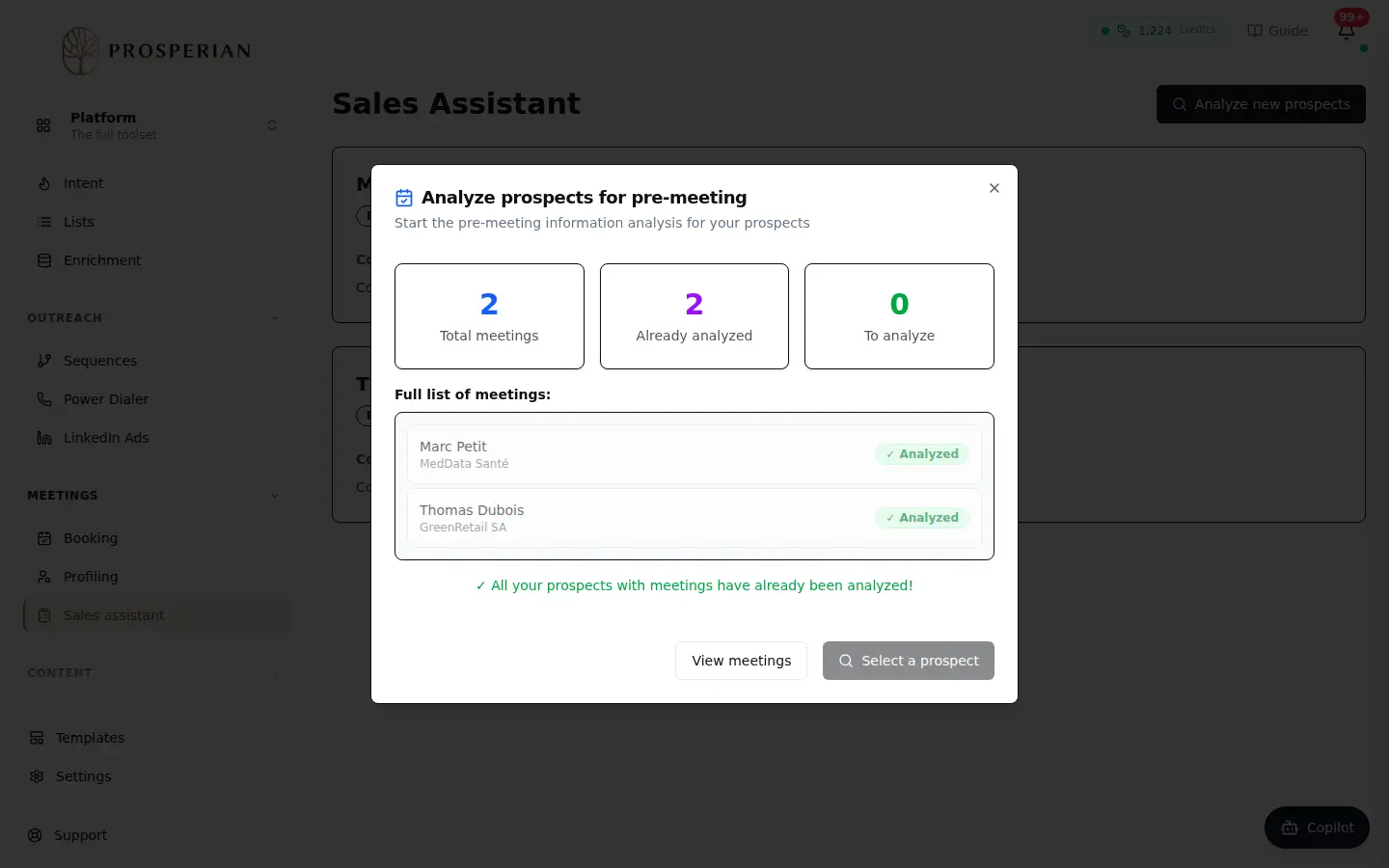
Open Meetings ▸ Sales assistant and click Analyze new prospects.
Step 1 of 4
Demo, no action on your account
Expected result
A message confirms the start; results arrive within a few minutes. The prospect's Pre-meeting information card then shows Budget, Timeline, Decision maker, Confirmed need and Next steps. Click the card to open their record in the CRM.